



Copying Designations & Merging Lists
Updated July 23, 2025
This article answers
- How do I copy from one list to another?
- Can I combine two lists?
Designation Lists are the page/line clips of the deposition testimony for the purpose of playback in court. You will need a synchronized transcript file (.mdb or an OnCue xml) and the raw deposition video to use this feature (see Adding Synchronized Transcripts). There are several ways to create Designation Lists in OnCue (manually, importing lists and through the Designation Wizard. Below is an explanation of the first, quick way to create a list and add single designations.
Copying Designations & Merging Lists
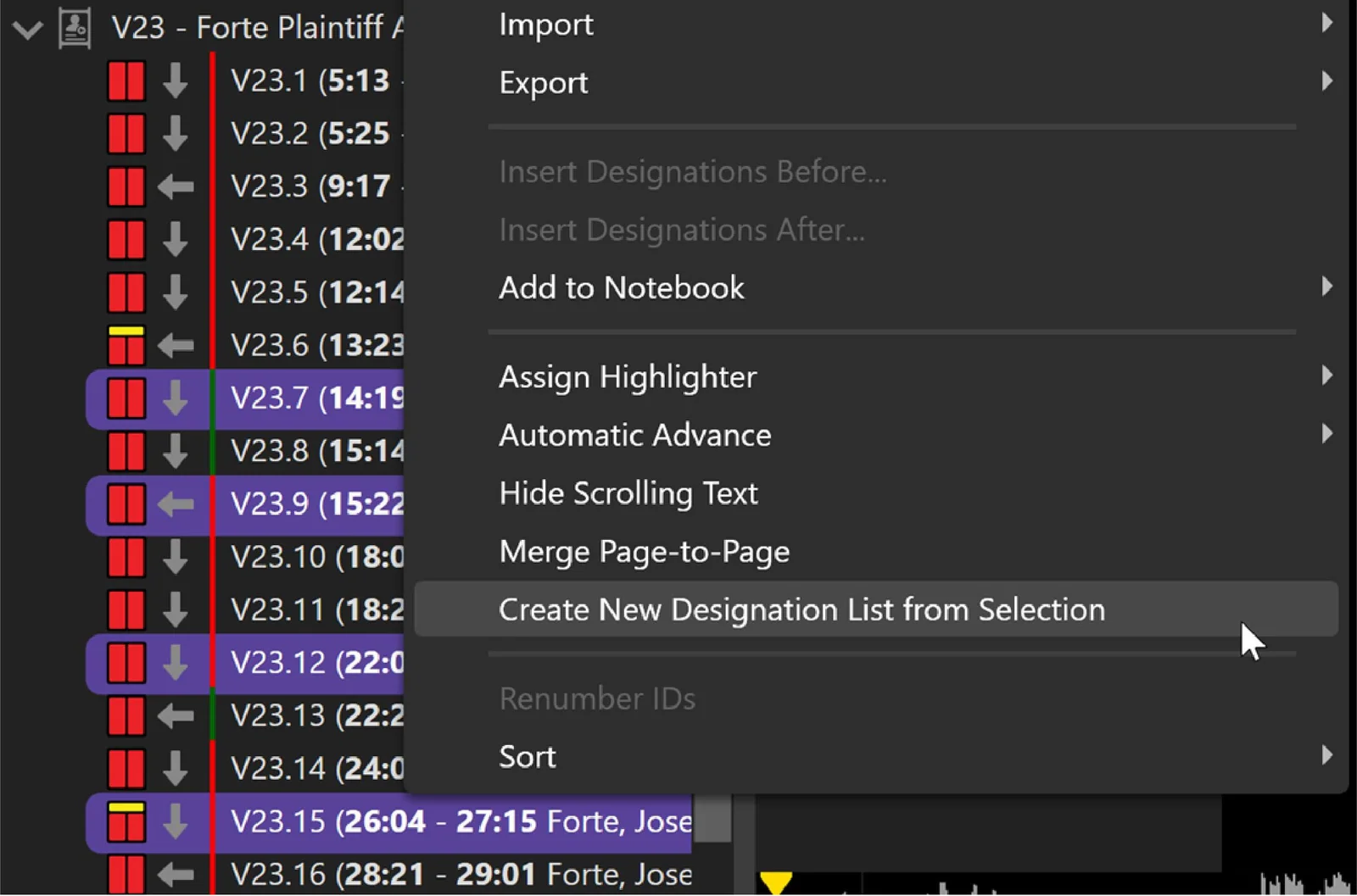
To create a new list from some of the designations in an existing list, select your designations, right-click, and choose Create New Designation List from Selection.
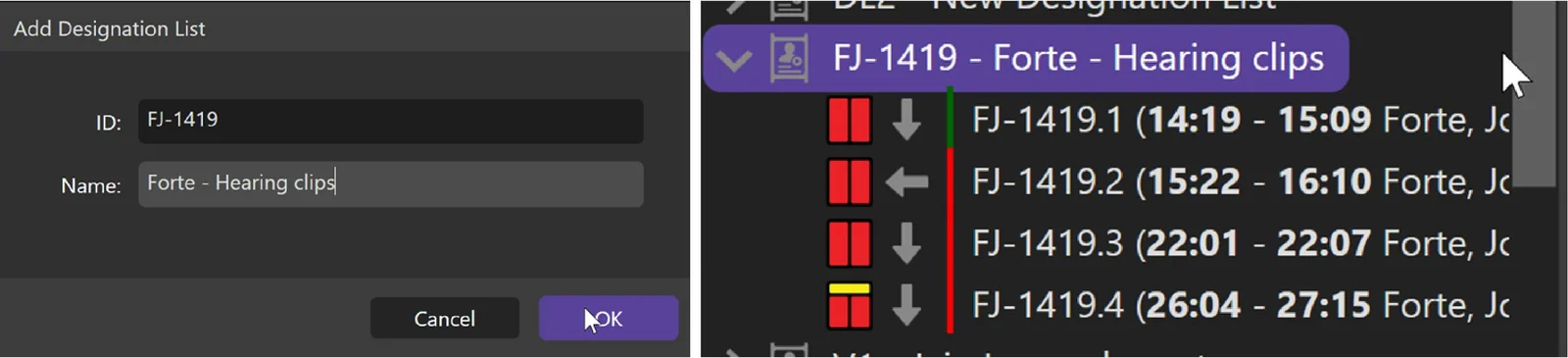
OnCue suggests a default ID. Change it if needed, enter a name, and click OK.
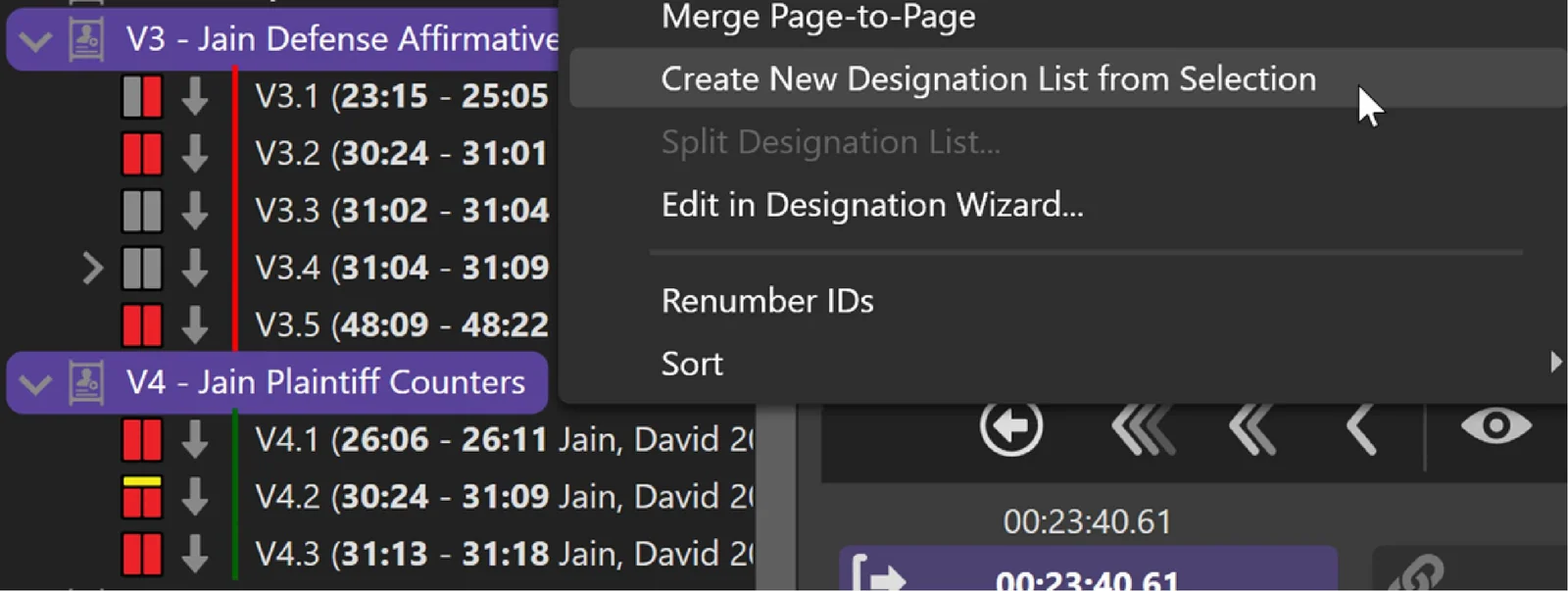
You can use the same method to create a merged list from two existing ones. In this example, lists V3 and V4 are selected.
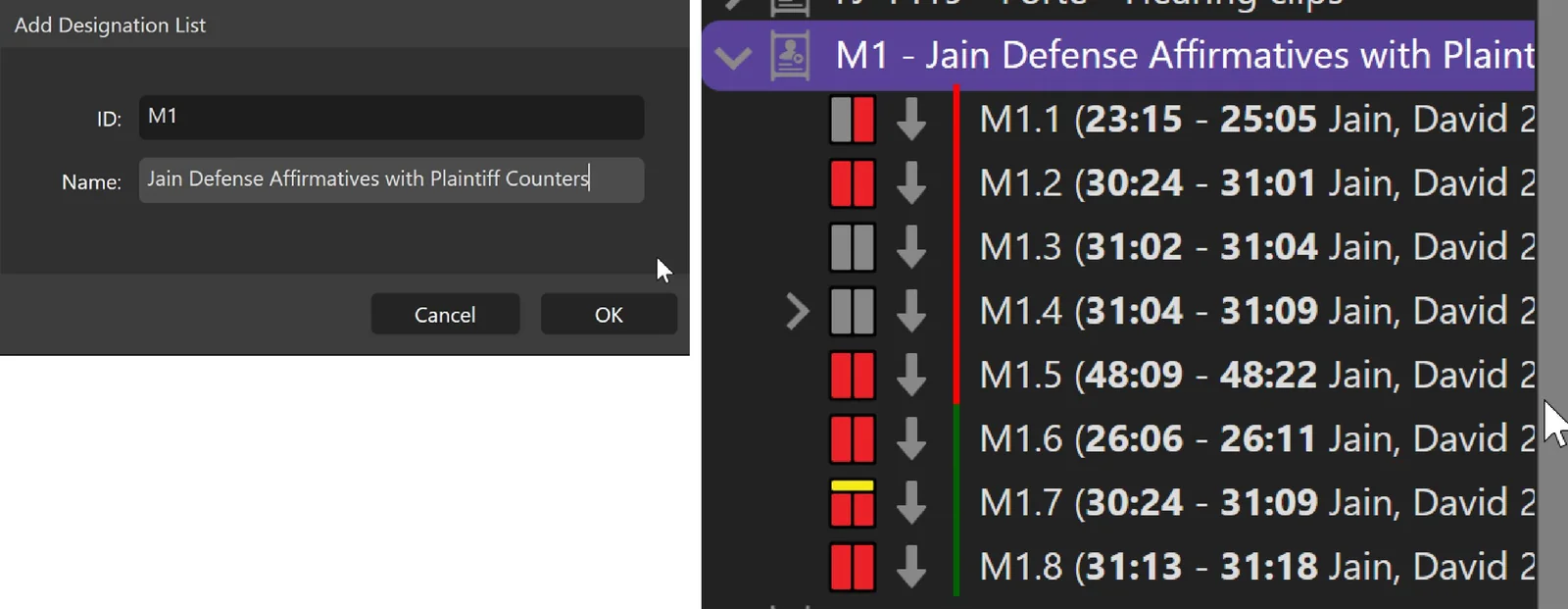
Enter an ID and a name. OnCue appends the lists one after another.
To put the merged list in order, right-click it and select Sort.

Then right-click and select Renumber IDs.
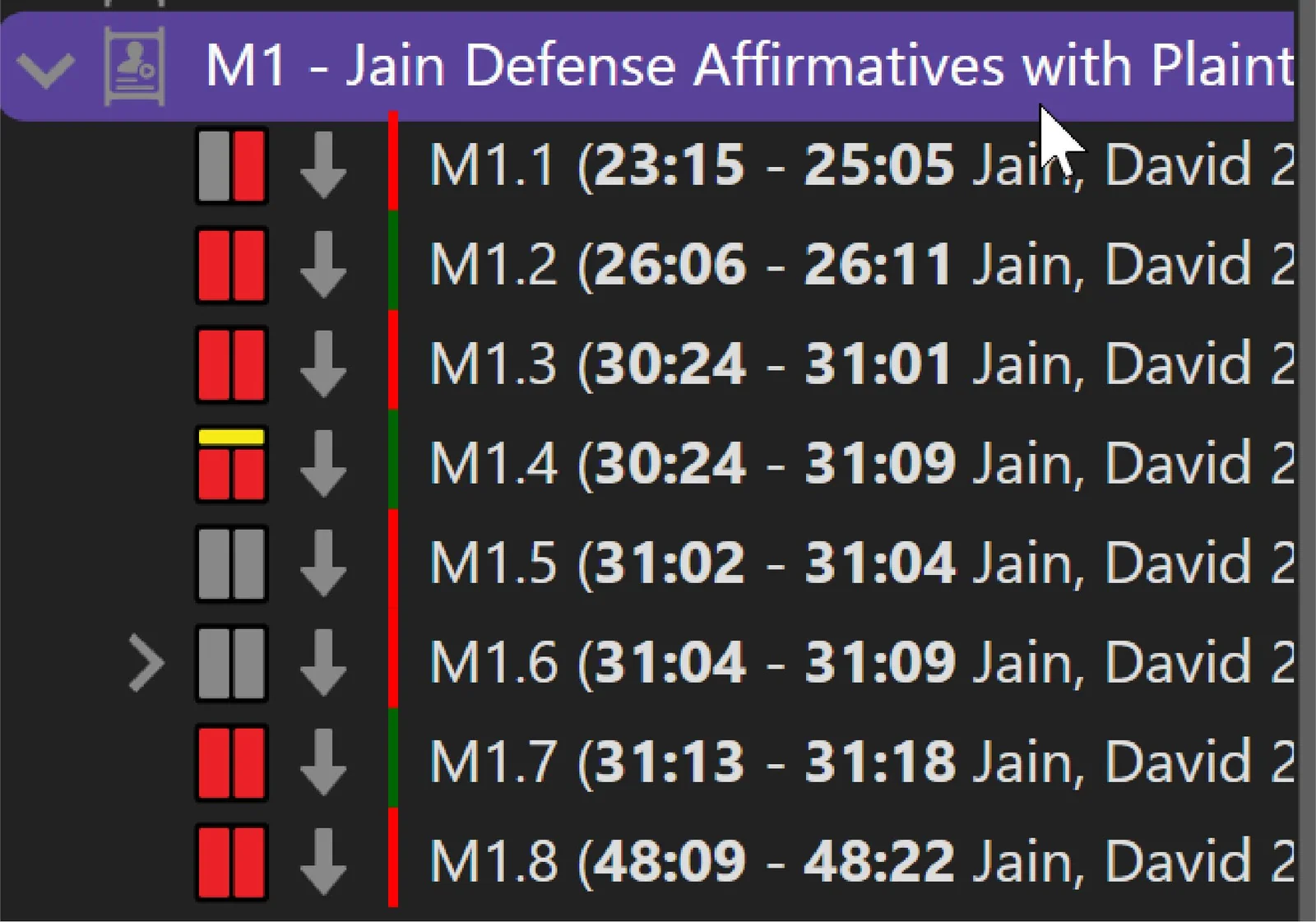
Sorting Your List
There are many other ways to sort your designation lists. For more sorting options, see Sorting Designation Lists.
copy designations, merge lists, combine lists
Still stuck? Email support@oncuetech.com.