



designations/missing-media-how-to-remap-media-filesDesignationsdesignations23missing media, remap, file not found, video path, relink video2025-07-27/articles/remap-media-files
Missing Media - How to Remap Media Files
Updated July 27, 2025
If OnCue reports that a deposition video is missing even though it is in the _synchedvideos folder, or the video’s file extension doesn’t match what the transcript (.mdb or OnCue .xml) expects, remap the media files.
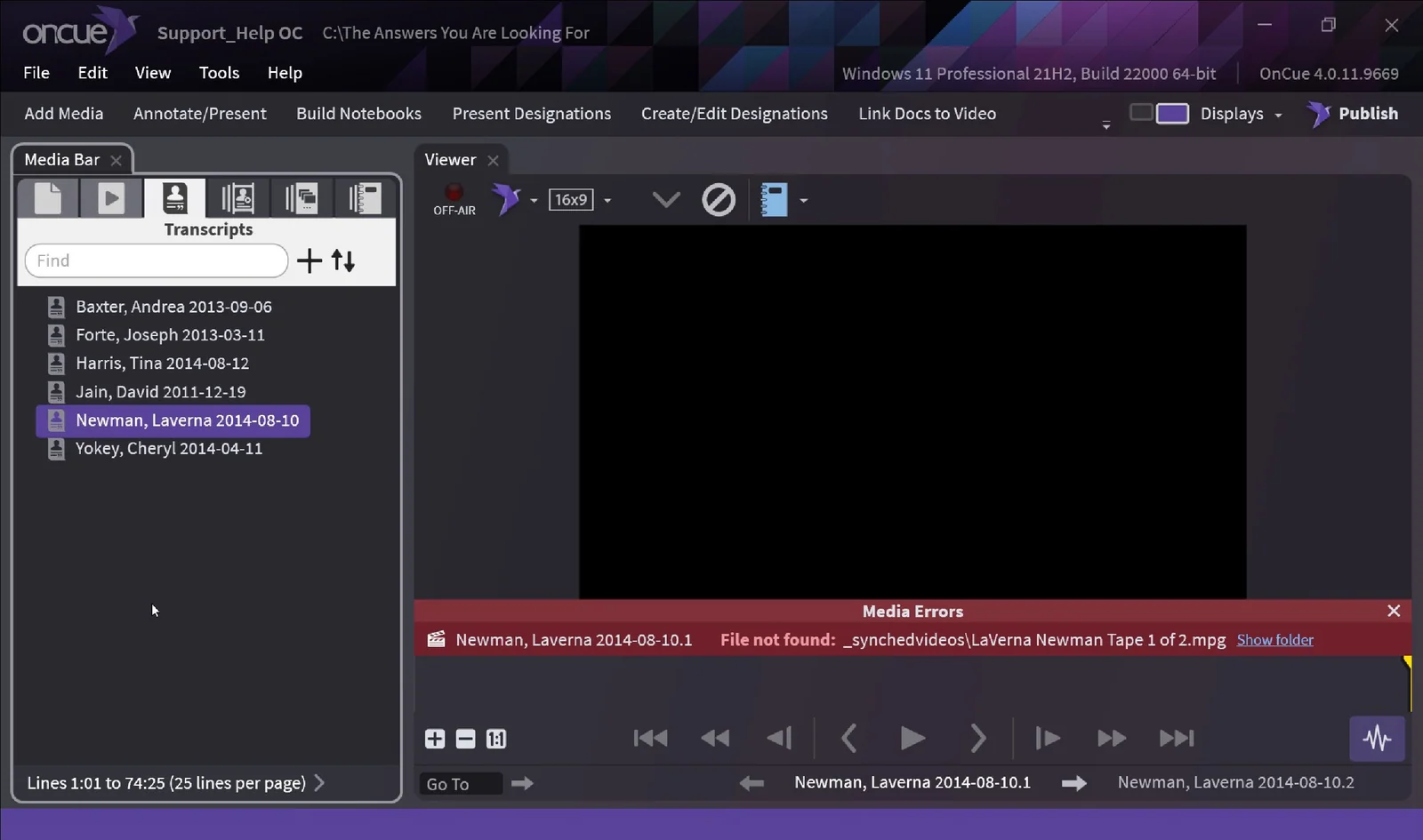
How to Remap Media Files
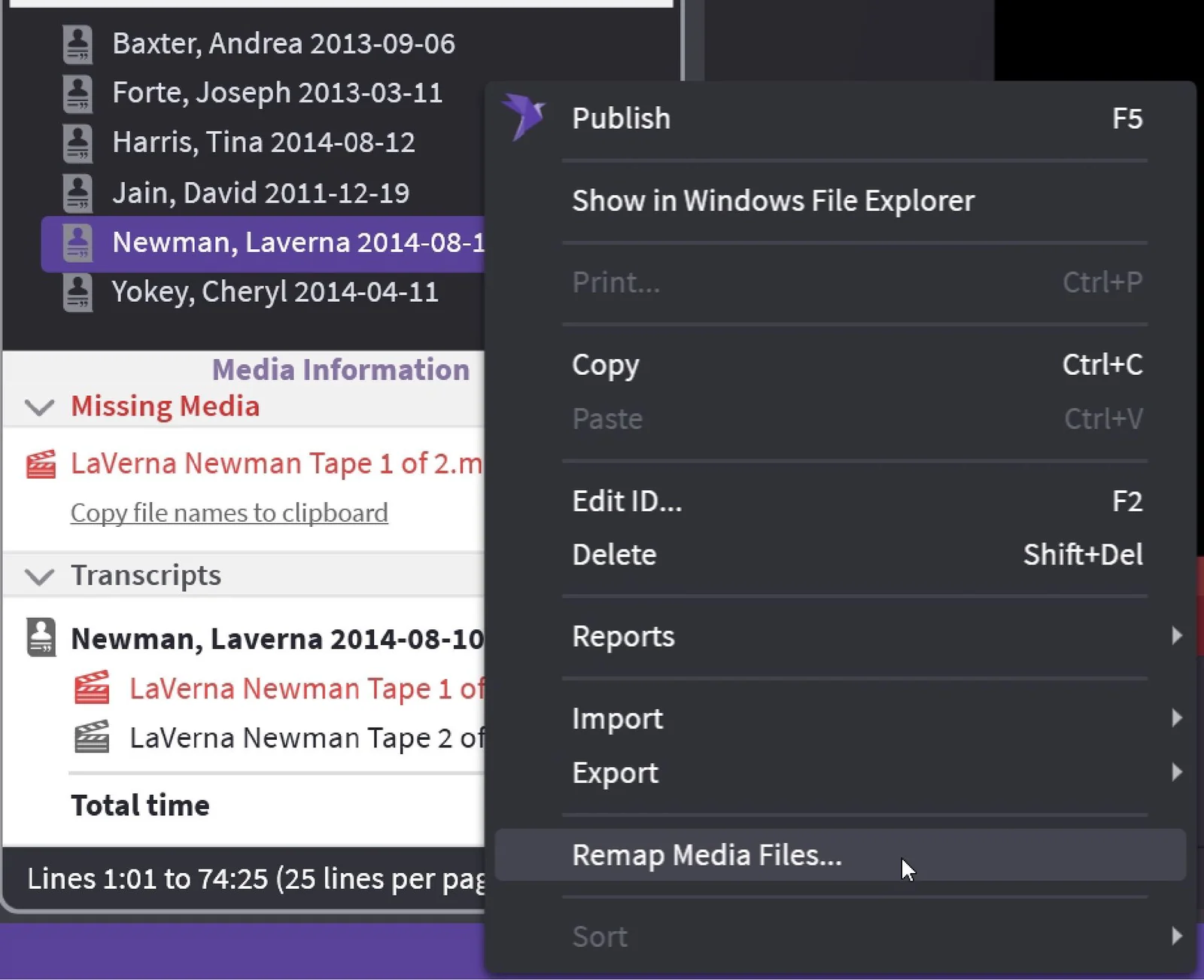
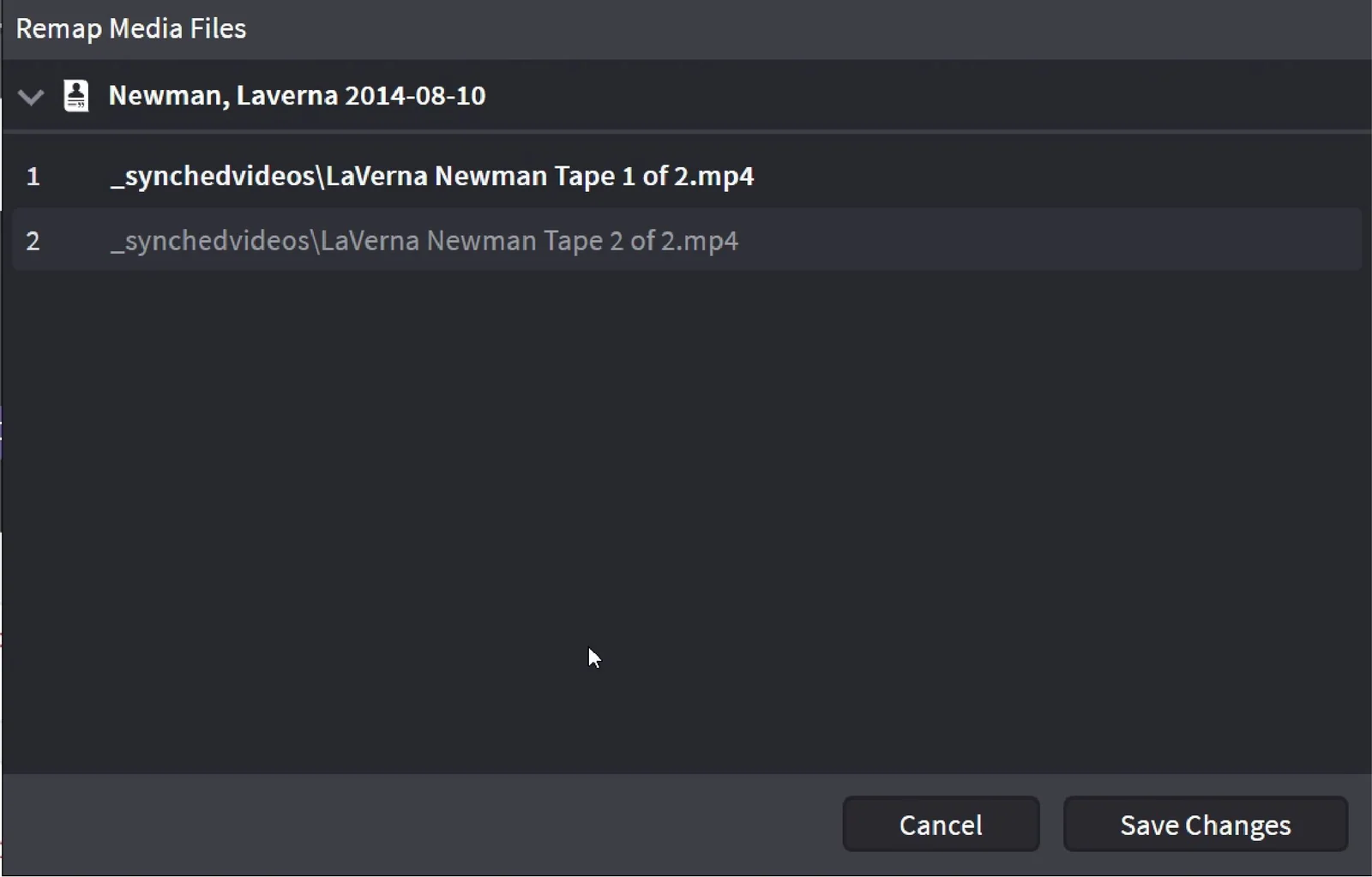
Right-click the transcript and select Remap Media Files.
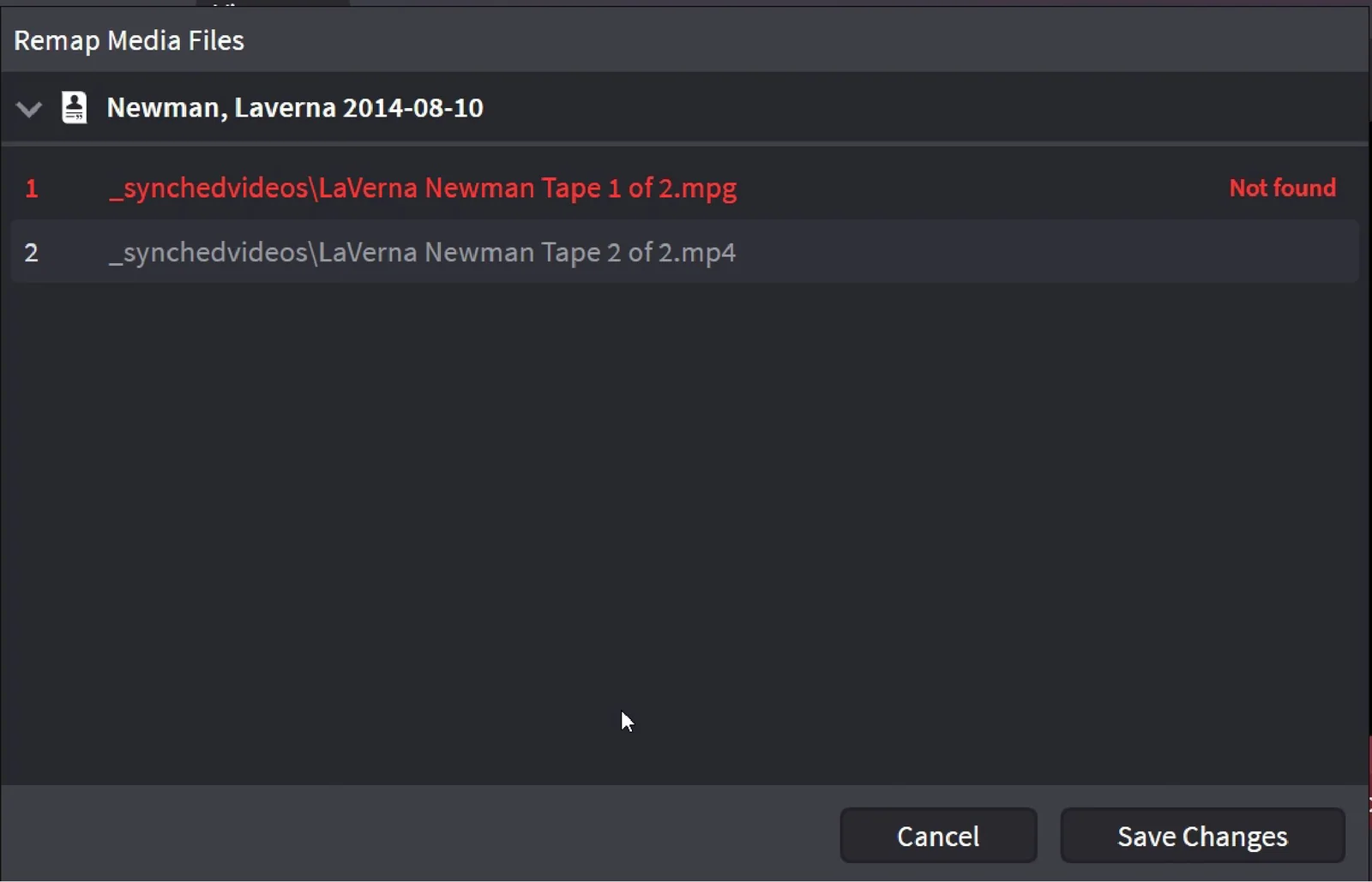
This opens the dialog box to remap your files.
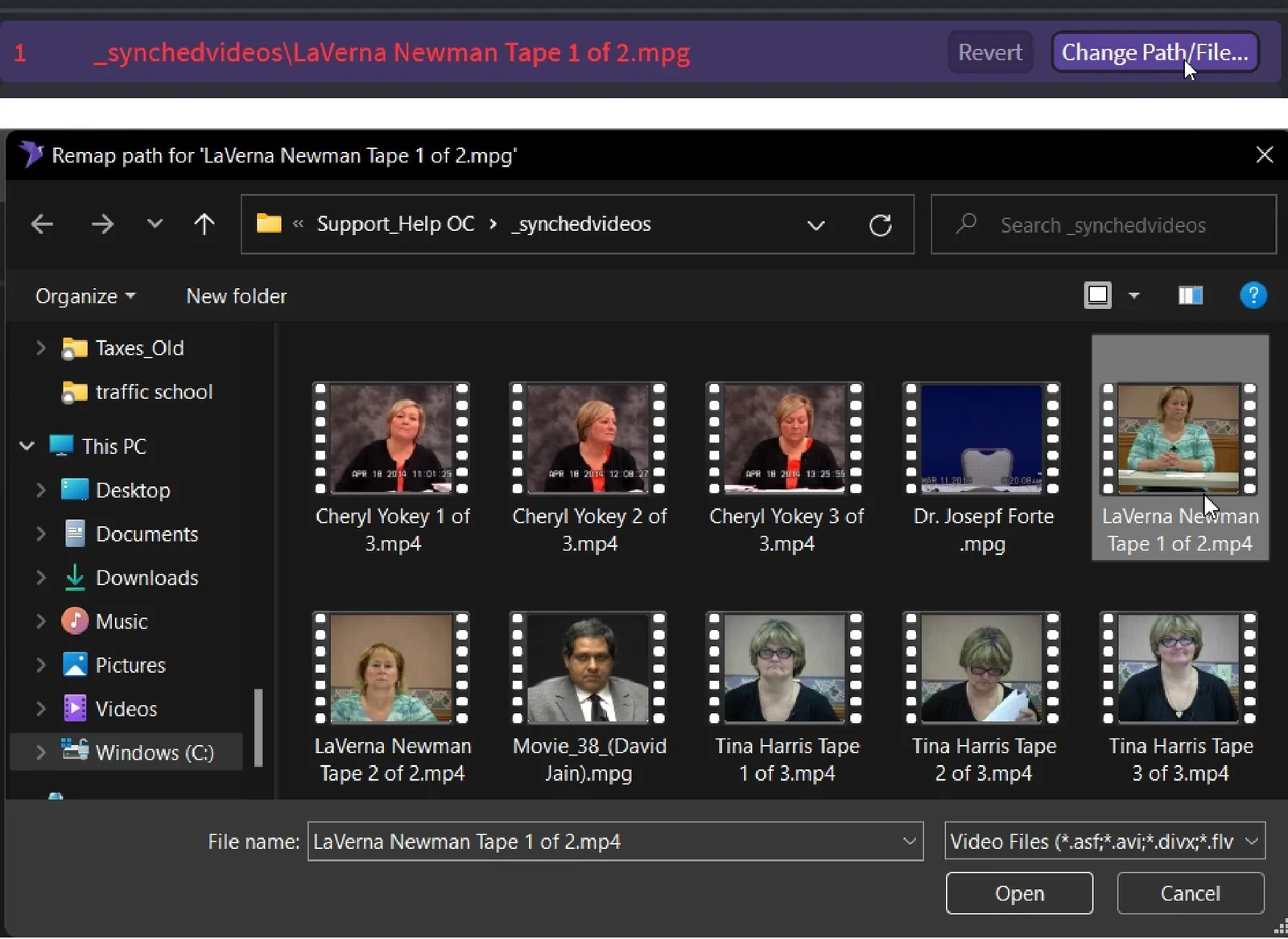
Select the media entry you need to change.
Make sure the video files are in the _synchedvideos folder.
Select the video file and click Open.
Click Save Changes.
Press F9 to refresh the case.
missing media, remap, file not found, video path, relink video
Still stuck? Email support@oncuetech.com.