



documents/customizing-the-viewer-toolbarDocumentsdocuments11customize toolbar, add buttons, remove buttons, toolbar layout, reset toolbar2025-01-13/articles/customize-viewer-toolbar
Customize your Toolbars – Viewer
Updated January 13, 2025
You can customize a toolbar’s icon size and which tools it shows. This is done separately for the Viewer toolbar and the Presentation toolbar.
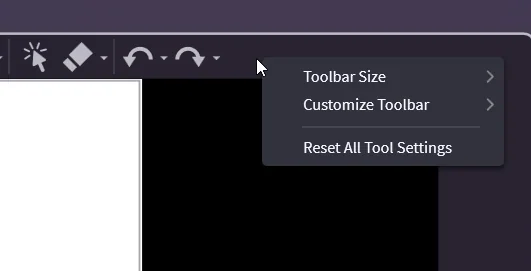
For all toolbars, start by right-clicking on the toolbar.
Tip: For the Presentation toolbar, see Customizing the Presentation Toolbar.
Change the Size of Icons
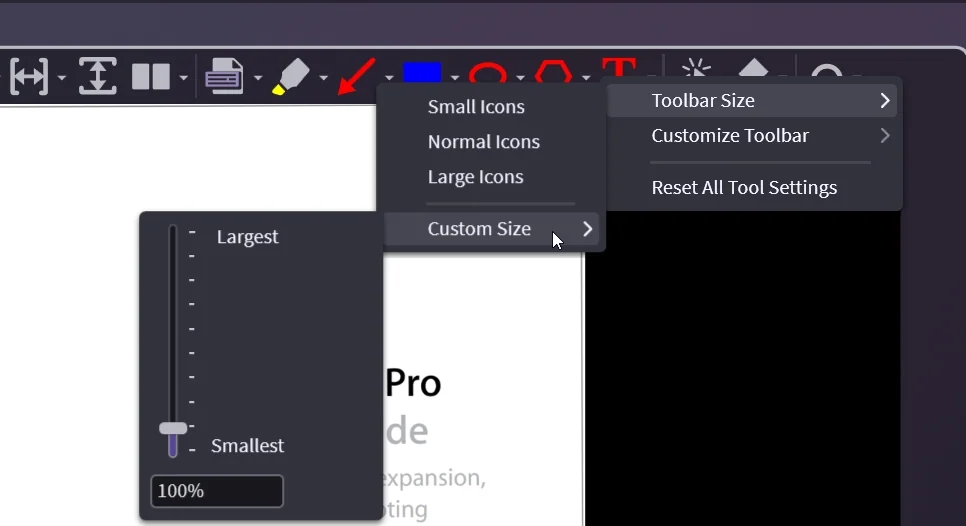
Right-click the toolbar in the Viewer and choose Toolbar Size. This changes the size of all toolbars in OnCue.
Change the Tools You See
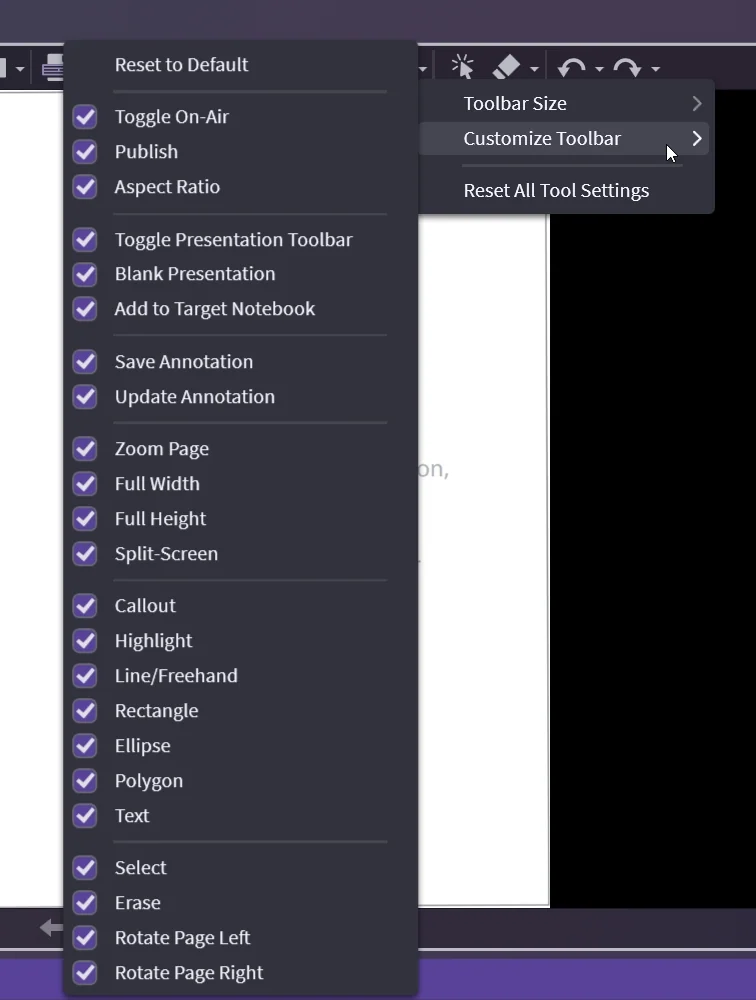
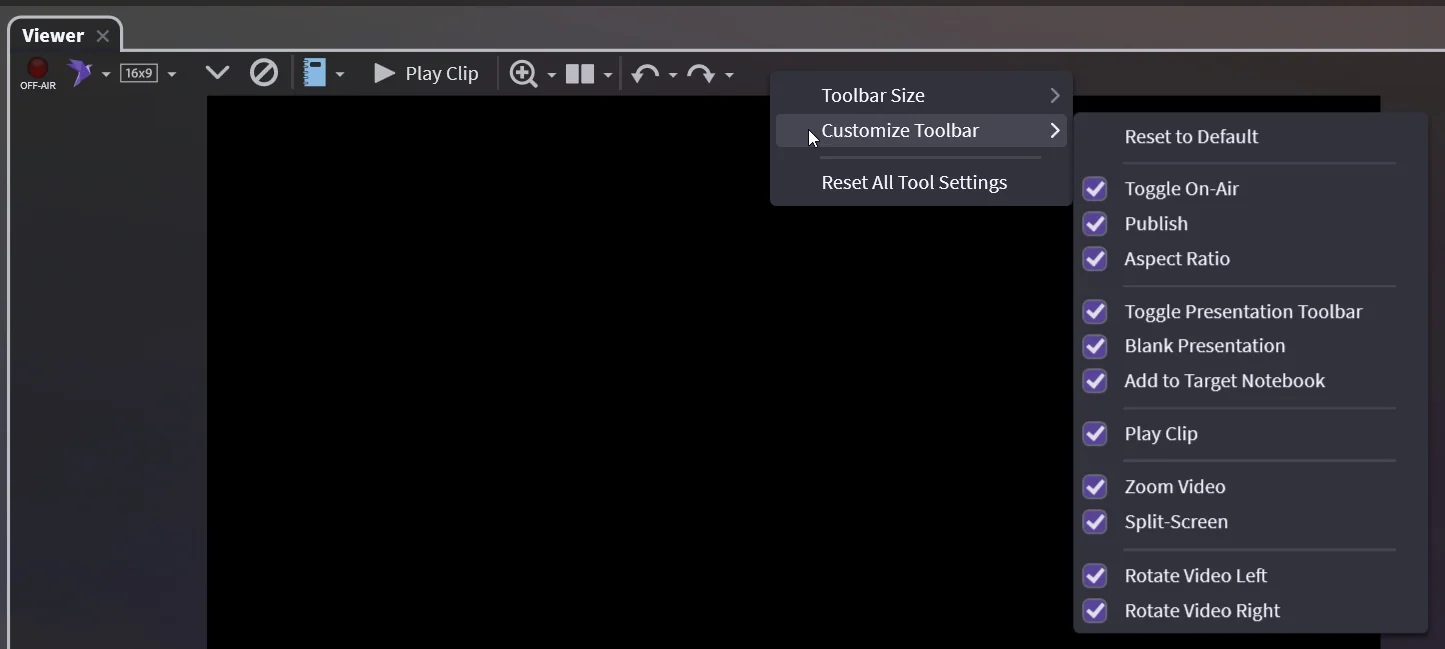
Right-click on the top of the toolbar in the viewer and choose Customize Toolbar. The toolbar has different tools for documents and for audiovisuals; customize each one separately.
customize toolbar, add buttons, remove buttons, toolbar layout, reset toolbar
Still stuck? Email support@oncuetech.com.