



About Screen Information
Updated January 1, 2026
The About screen shows your OnCue version, license, and subscription details.
The first thing is the version number so you can confirm you are running the latest version. If you are not sure, you can look at what you have and compare it with the Releases page, which always lists the latest build at the top.
Next are the last five characters of your License ID. This is critical when you have more than one license key and move the installs from computer to computer.
Next is the expiration date. Your subscription will either renew automatically via credit card, or if you are an invoice customer, you can renew by check.
Finally, the third-party software disclosures are in the lower-left corner.
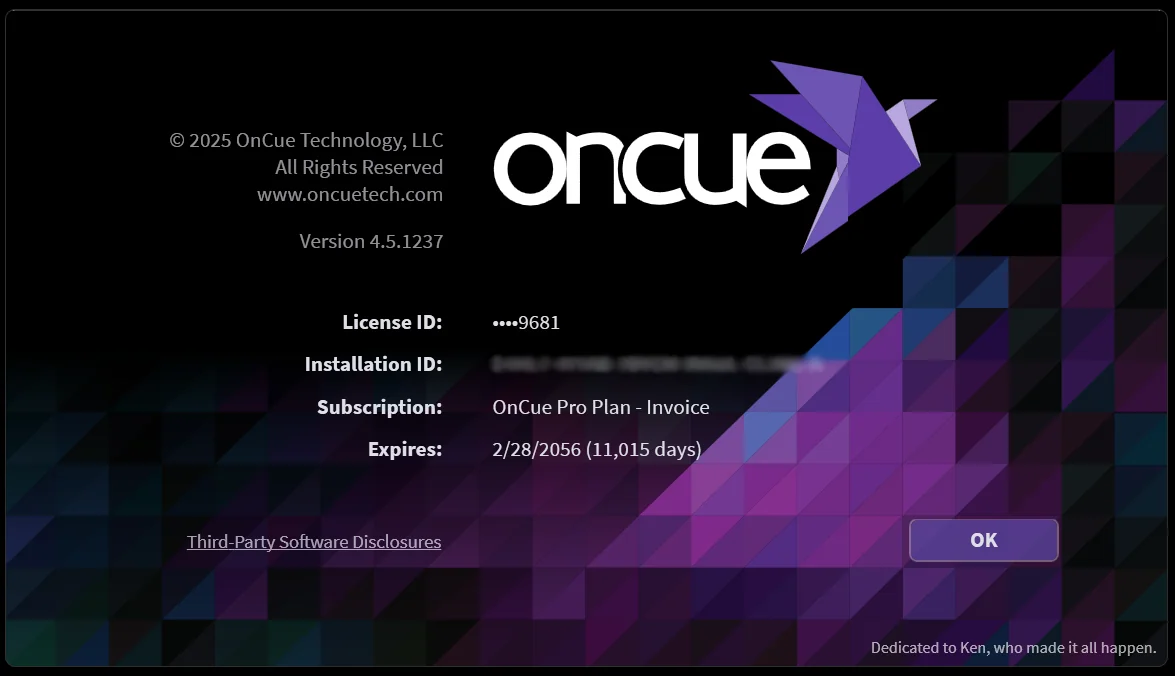
about screen, version, build number, license info
Still stuck? Email support@oncuetech.com.