



Exporting Notebooks
Updated October 31, 2026
Notebooks are a great way of organizing the material in your OnCue database. You can import Notebooks or export them to give to other OnCue users.
For more information about creating Notebooks, see Building Notebooks.
How to Export Notebooks
There are two types of export files in OnCue:
- OnCue Notebook Package – *.ocp
- Text File – *.txt
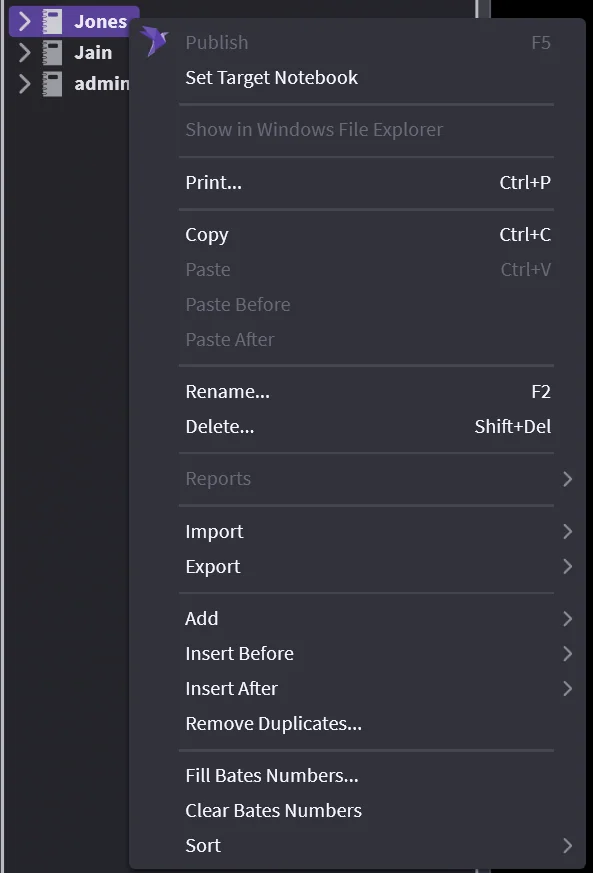
Right-click on your Notebook, select Export and then Export Notebooks to see your options.
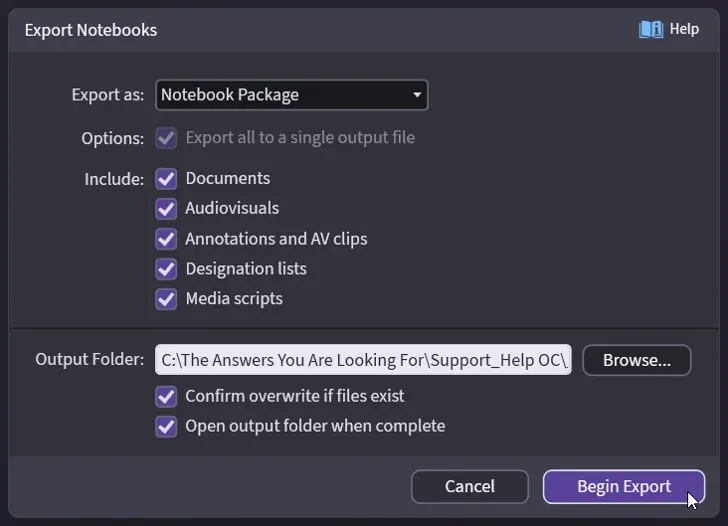
OnCue Notebook Package – This is the file you want if you are sharing work with others. It can contain sub-notebooks and annotations. This is a great way to transfer your work product to another OnCue case.
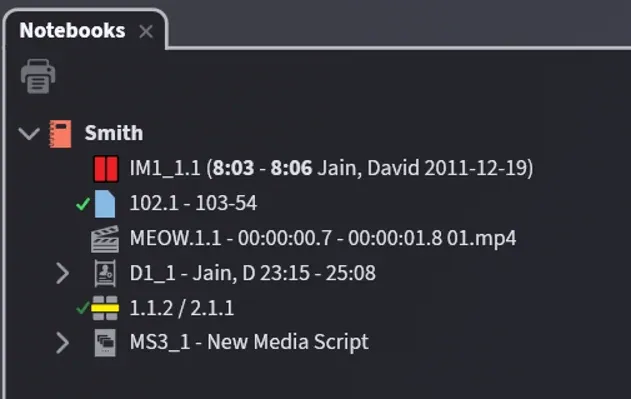
Note: Native file shortcuts are not included in the notebook package.
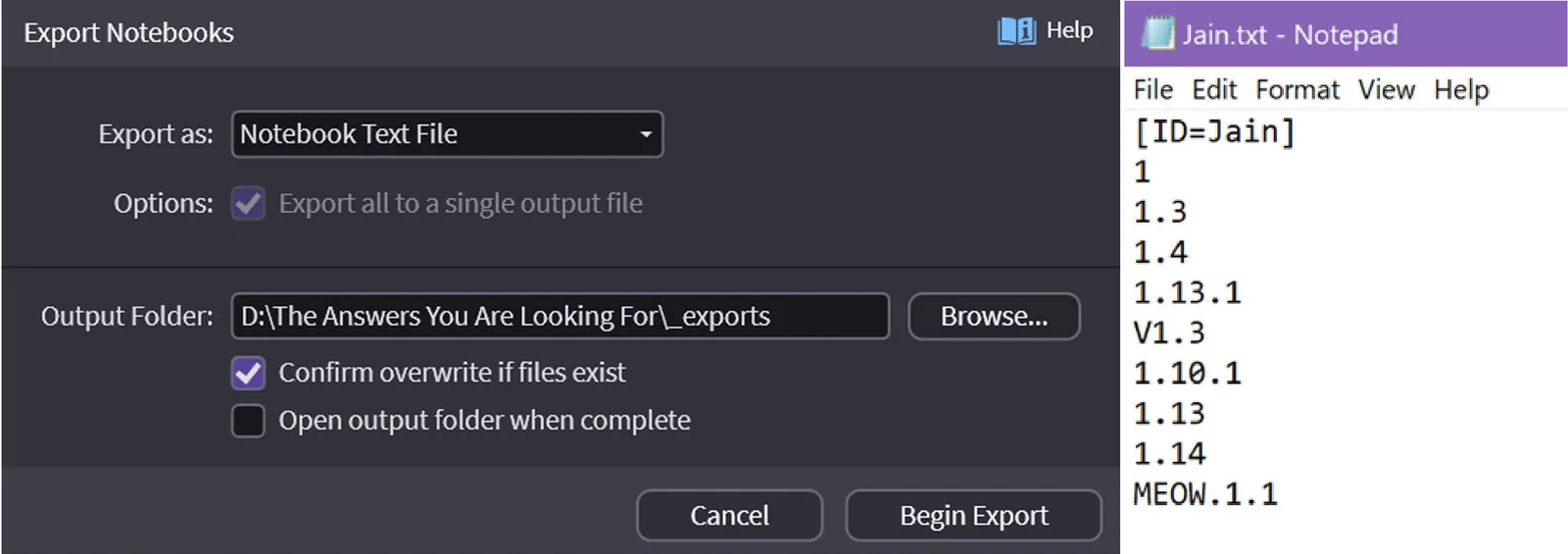
Text File – A basic list of everything in your notebook, with each item’s ID. This does not include sub-notebooks or annotations. It can include multiple notebooks.
export notebook, share notebook, export images
Still stuck? Email support@oncuetech.com.