



documents/redactions-replacing-pagesDocumentsdocuments15redact, redacted pages, replace pages, stamp first page, _documents folder2026-01-07/articles/redactions
Redactions – Replacing Pages
Updated January 7, 2026
OnCue cannot permanently redact your underlying documents.
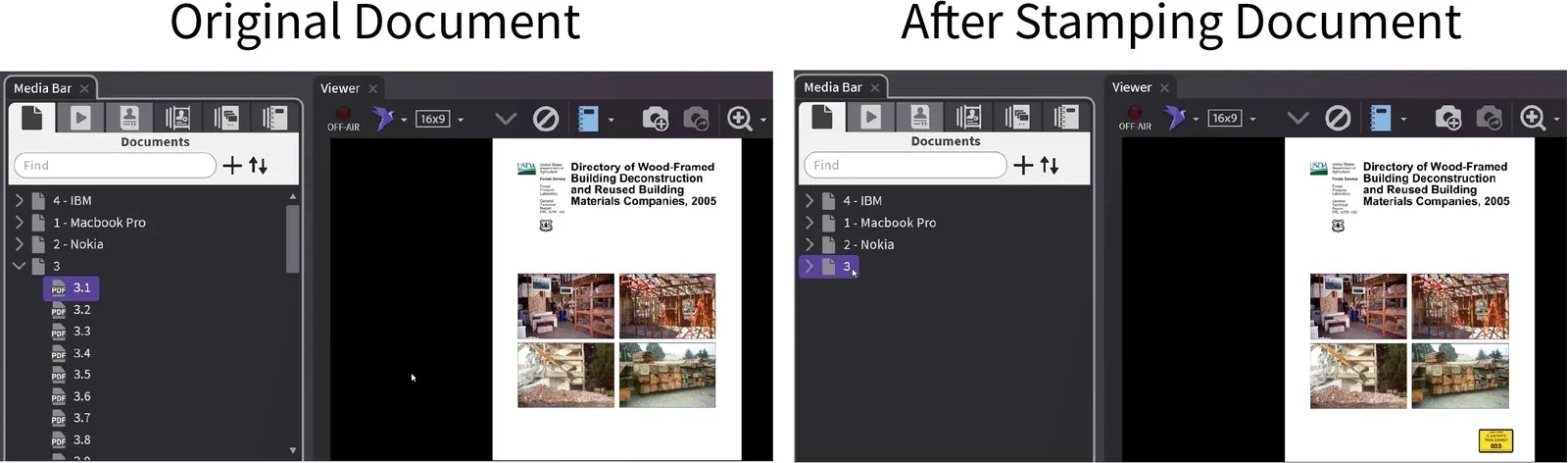
If you redact pages, or stamp the first page in another program, in the document in your _documents folder, OnCue detects the change automatically. You do not have to re-add the document or delete anything. No message appears.
Note: Before you save the file in another program, make sure the document is not selected or showing in the OnCue Viewer. Otherwise, Windows treats the file as in use and won’t let you save it.
redact, redacted pages, replace pages, stamp first page, _documents folder
Still stuck? Email support@oncuetech.com.