



Transcript Page and Line Edits
Updated January 7, 2026
If a sync file starts on the wrong page, you can correct it in OnCue without requesting a new file.
Note: Your designations do not shift; they keep the page and line numbers you originally set.
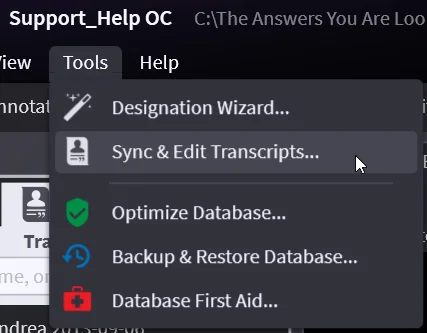
Select Tools > Sync & Edit Transcripts.
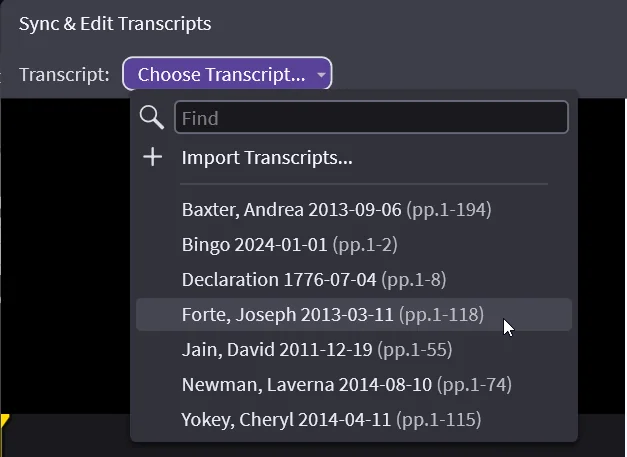
Click Choose Transcript and select the transcript you would like to edit.
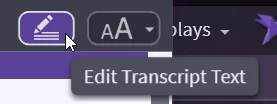
Now that your transcript is loaded, click the pencil in the upper-right corner.
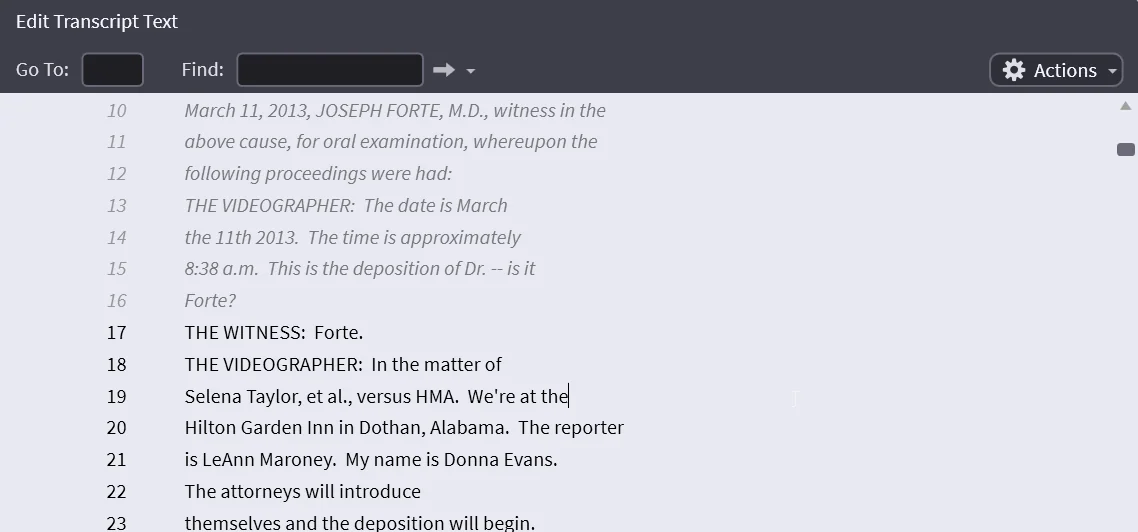
The Edit Transcript Text window will open.
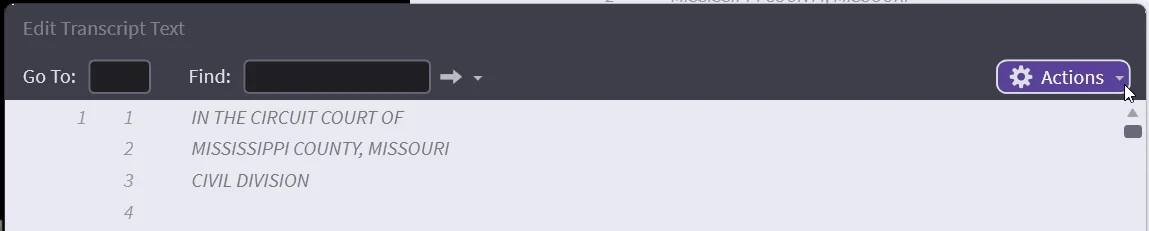
Click Actions.
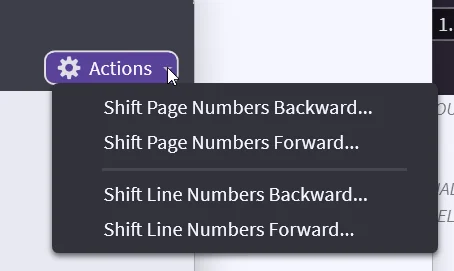
Shift Page Numbers - This shifts page numbers for the entire transcript backward or forward.
Backward
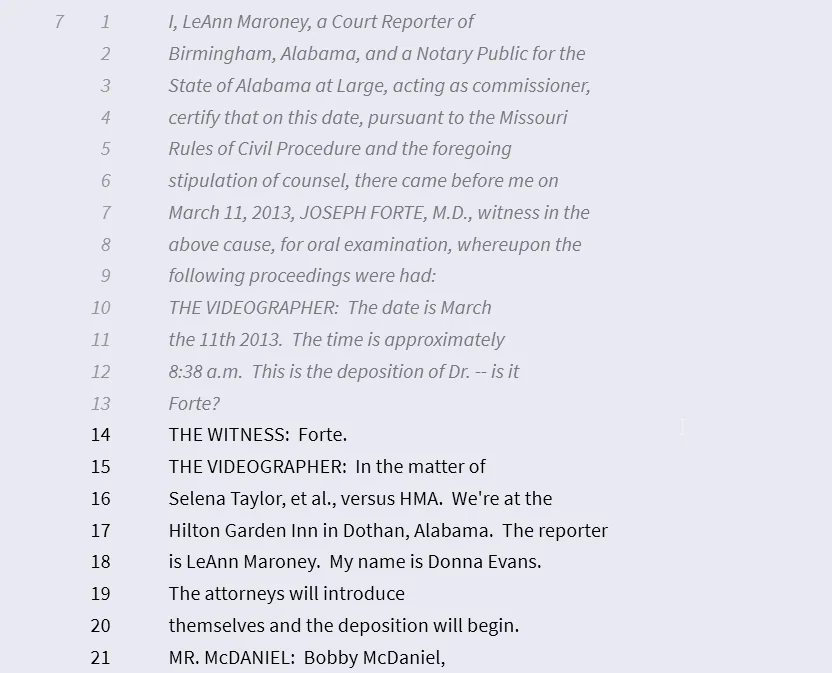
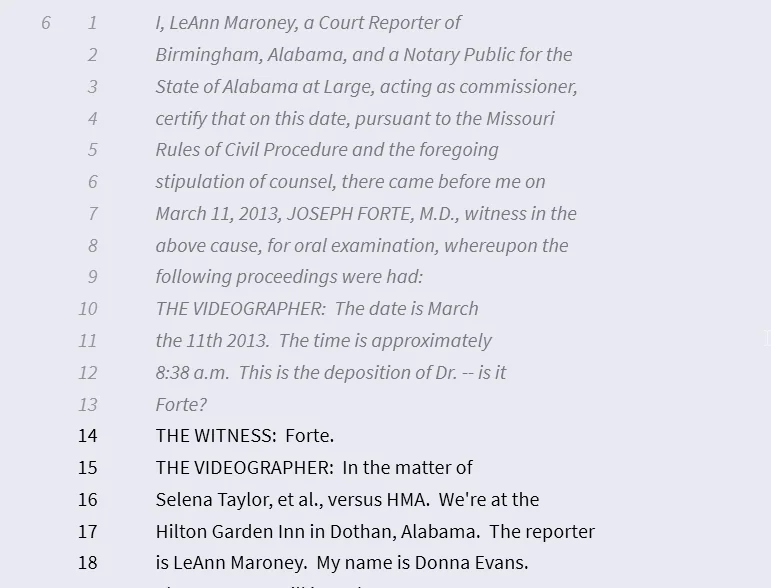
Suppose the designations you received say testimony starts on page 8, but in your transcript it starts on page 9, and both transcripts start on page 1. Shifting backward keeps page 1 and adds the lines of the original page 2 to it, so the new page 2 begins with the original page 3. The screenshots below show the result.
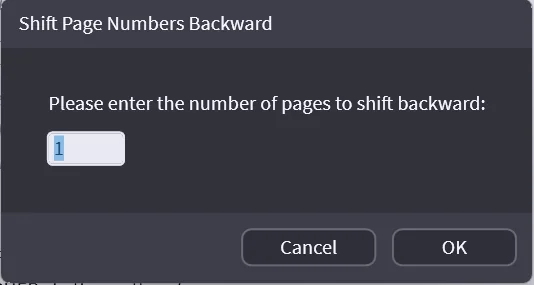
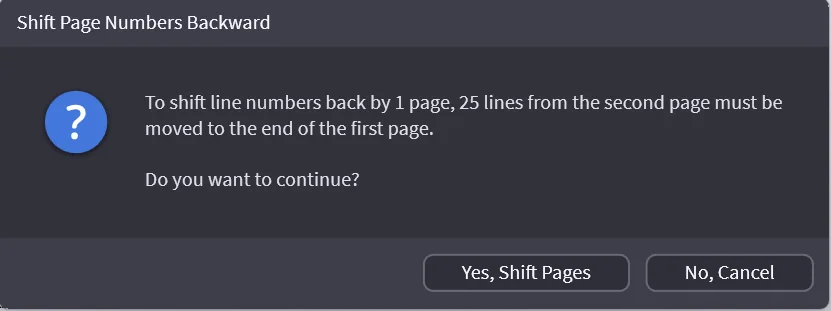
- Before – After

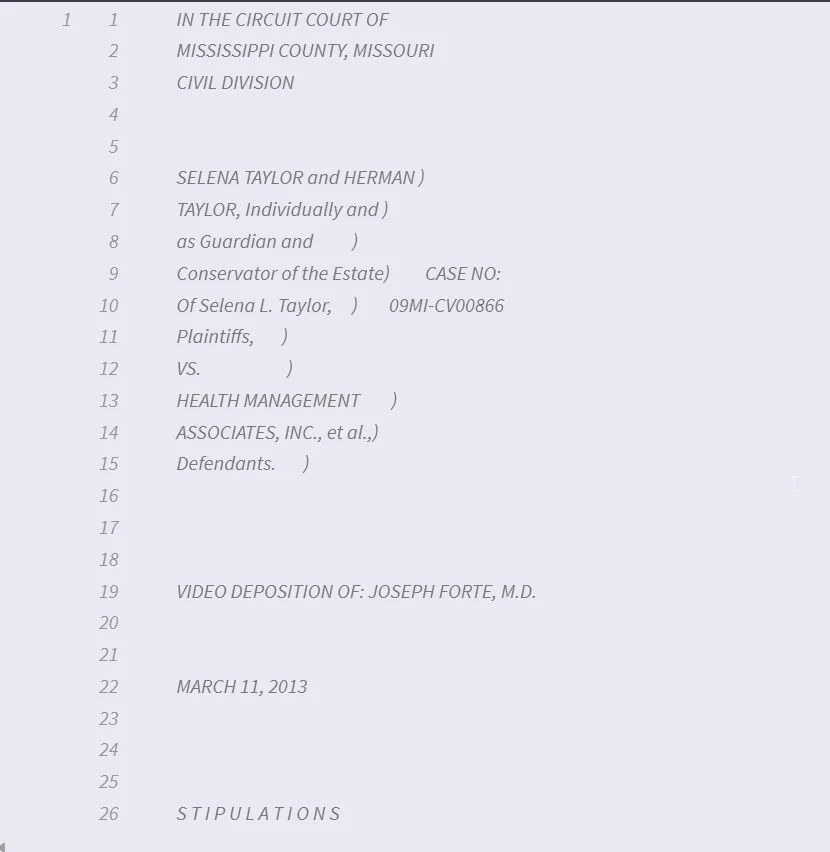
You can see that the testimony of the original started on page 7–now it starts on page 6.
- Before – After
Forward…
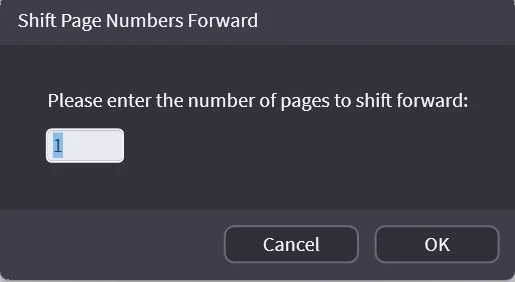
If your transcript starts on page 1 and opposing counsel’s starts on page 2, shift all page numbers forward by 1.
- Before – After
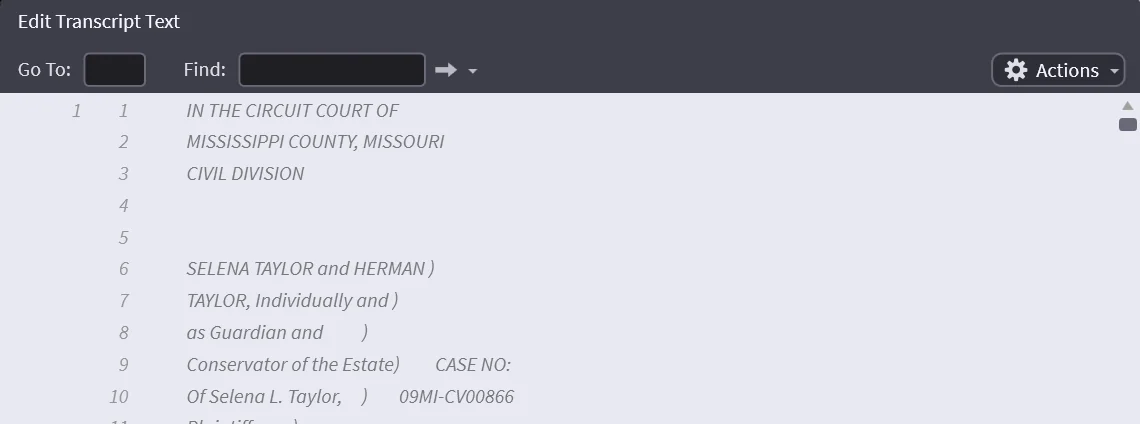
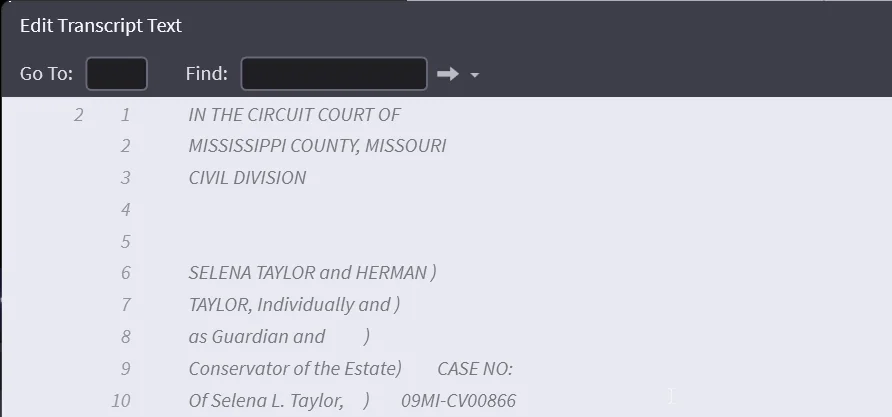
Shift Line Numbers - This shifts line numbers for the entire transcript backward or forward. Use it only when you know the cause of the misalignment. Often line numbers are out of alignment with the sync files because a rough transcript was synced and the official transcript has more or fewer words per line. This means that line number shifting can vary in a transcript and is not a set number.
Backward…
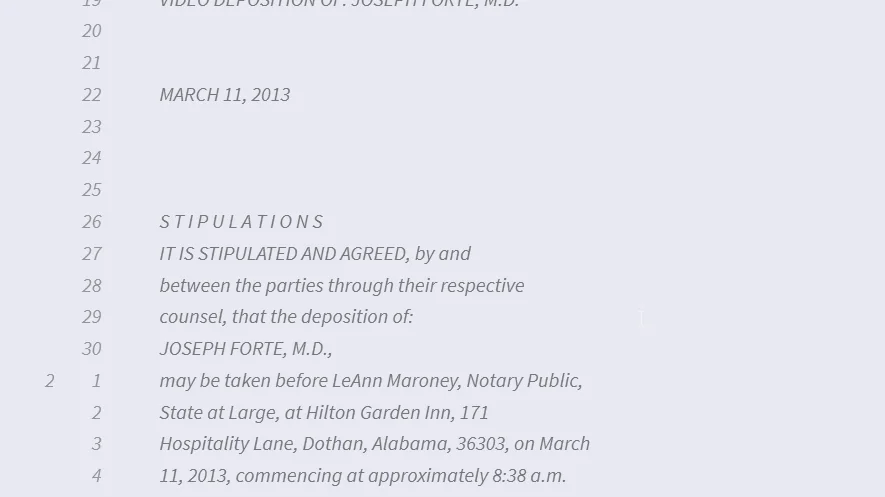
Suppose the transcript your team is using has extra lines. So instead of testimony starting on page 7 line 14, their version starts on page 7 line 9. Shifting backward keeps page 1 and moves lines up from page 2. In the screenshots below, a 5-line shift gives page 1 30 lines, and the testimony now starts on page 7, line 9.
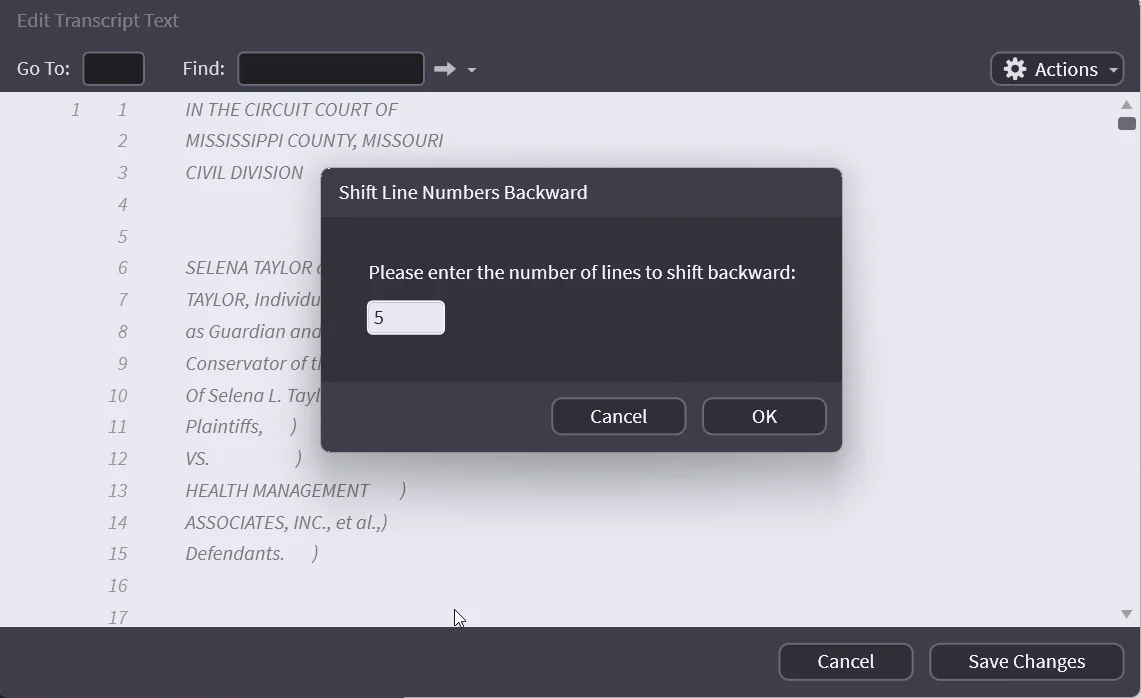
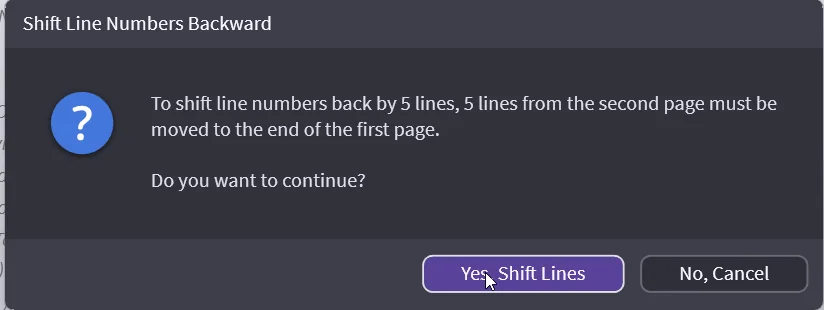
Lines from page 2 move up and the line numbers shift.
- Before – After
Forward…
Shifting lines forward adds blank lines to the first page until the testimony starts where you need it. This only puts blank lines on the first page to shift all the testimony down.
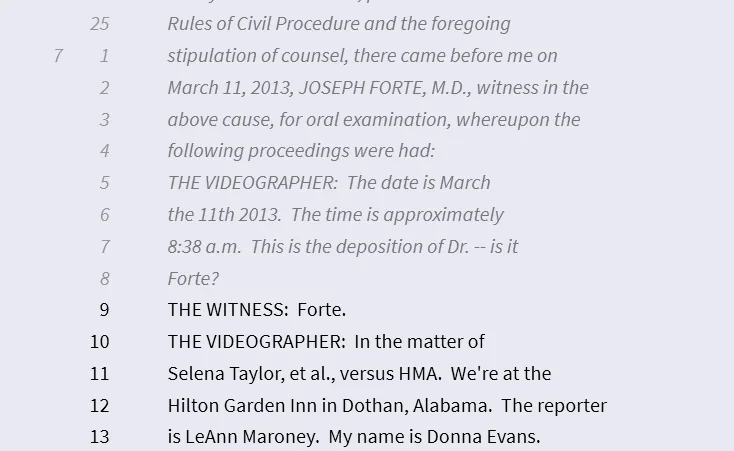
This picture is of page 7 where the testimony starts. Notice the testimony starts on line 14.
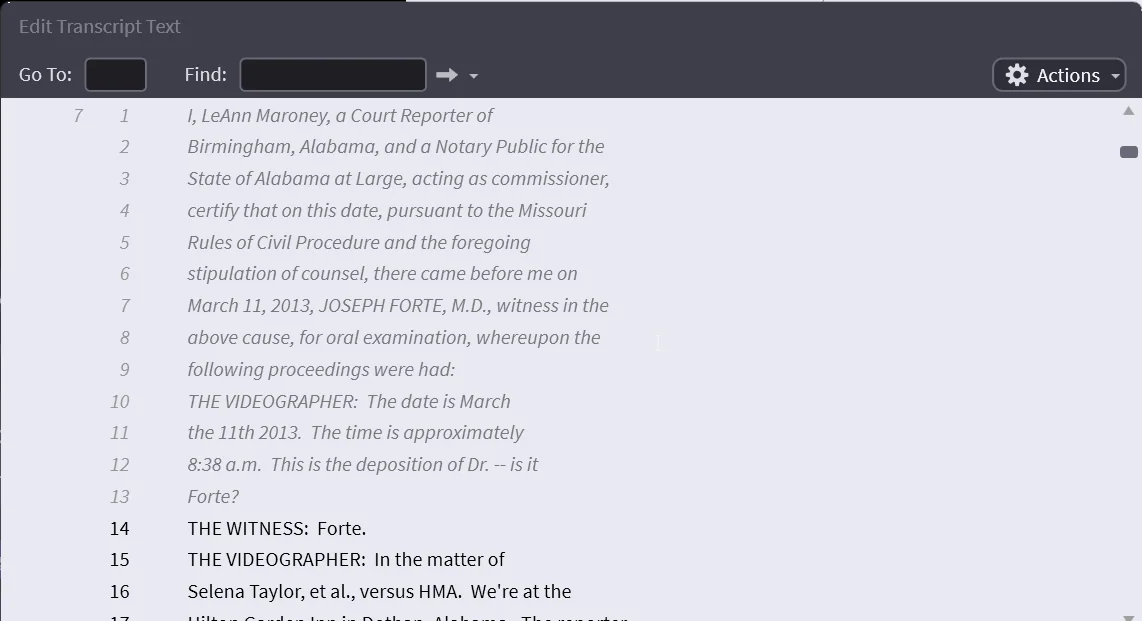
With the line shift set to 3:
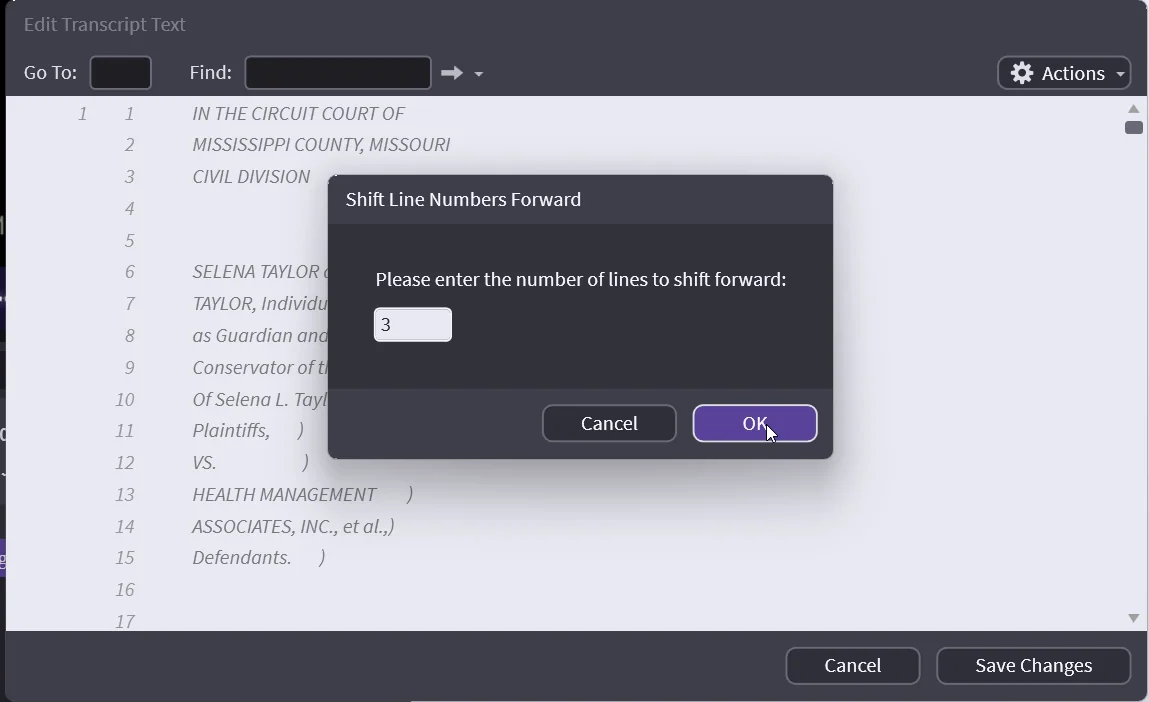
Notice the text shifts down 3 lines.
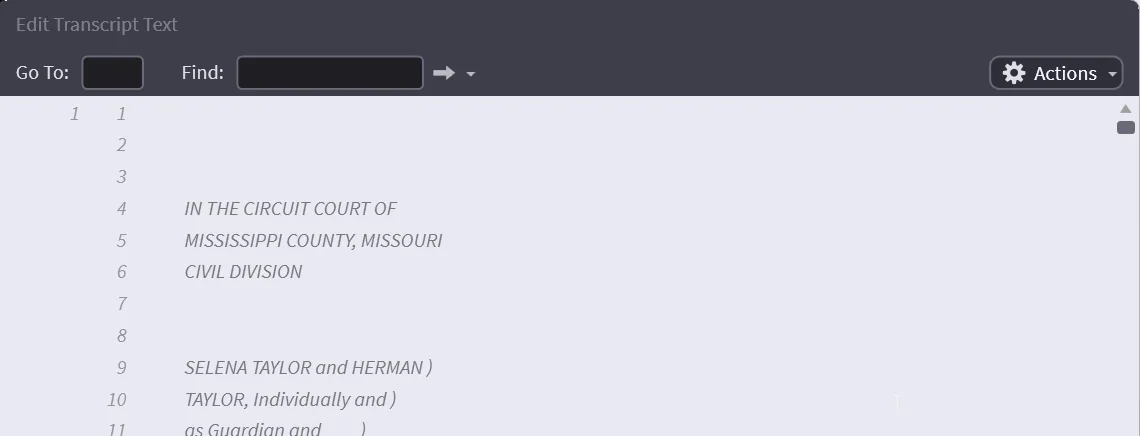
Now the testimony starts on page 7, line 17.
- Before – After
-
edit transcript, page and line, fix transcript, line numbers, errata
Still stuck? Email support@oncuetech.com.