



designations/designation-tab-totals-at-a-glanceDesignationsdesignations4How do I see and copy a designation list's total time without running a report?How do I see and copy a designation list's total time without running a report?designation totals, run time, clip count, list length2026-01-07/articles/totals-at-a-glance
Designation Tab – Totals at a Glance
Updated January 7, 2026
This article answers
- How do I see and copy a designation list's total time without running a report?
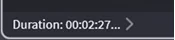
Select a designation list on the Designations tab of the Media Bar. The list’s total time appears at the bottom of the tab, beside an arrow.
Click the arrow to see the total time for each highlighter color in the list.
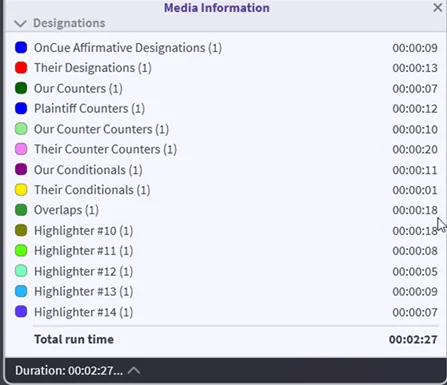
Click any total to copy it to the clipboard.

designation totals, run time, clip count, list length
Still stuck? Email support@oncuetech.com.