



media-scripts/about-media-scriptsMedia Scriptsmedia-scripts1How do I show documents and designations in a set order? Can I make presentations in OnCue like PowerPoint? What would I use Media Scripts for?How do I show documents and designations in a set order? | Can I make presentations in OnCue like PowerPoint? | What would I use Media Scripts for?media script, playlist, presentation order, mixed media2025-01-02/articles/about-media-scripts
About Media Scripts
Updated January 2, 2025
This article answers
- How do I show documents and designations in a set order?
- Can I make presentations in OnCue like PowerPoint?
- What would I use Media Scripts for?
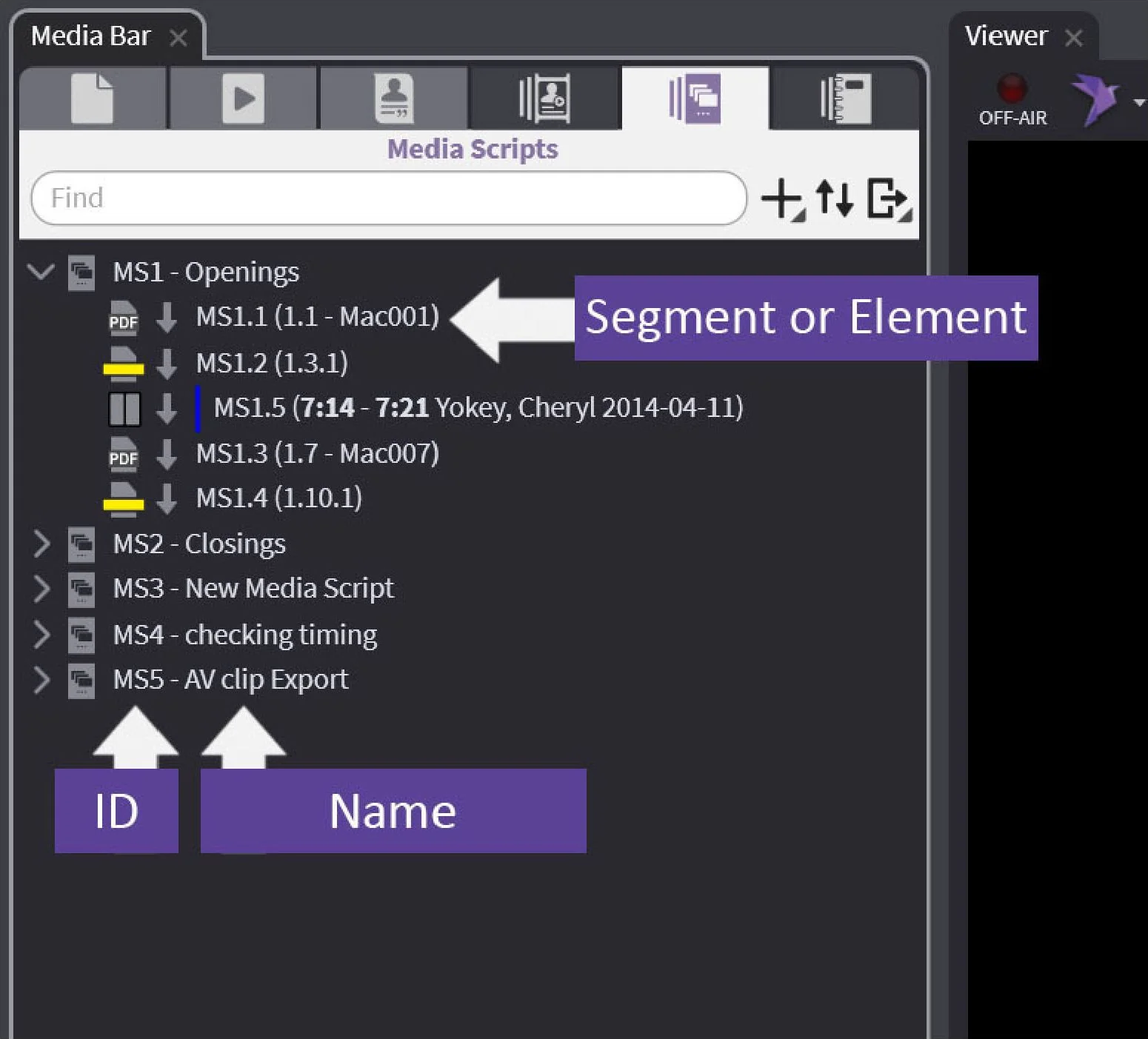
A Media Script is a linear slideshow, like a PowerPoint deck, that brings up items in sequence, such as an opening statement, expert witness exam, oral argument, or anything else you want to present in a certain order. You can add any media that is registered in OnCue to a Media Script (specific pages, treated pages, video and audio clips, even synced deposition designations). Below is a diagram of the elements of a Media Script.
media script, playlist, presentation order, mixed media
Still stuck? Email support@oncuetech.com.