



Media Scripts vs. Notebooks
Updated January 13, 2025
Media Scripts and Notebooks both organize materials for an issue or witness, but they serve different purposes.
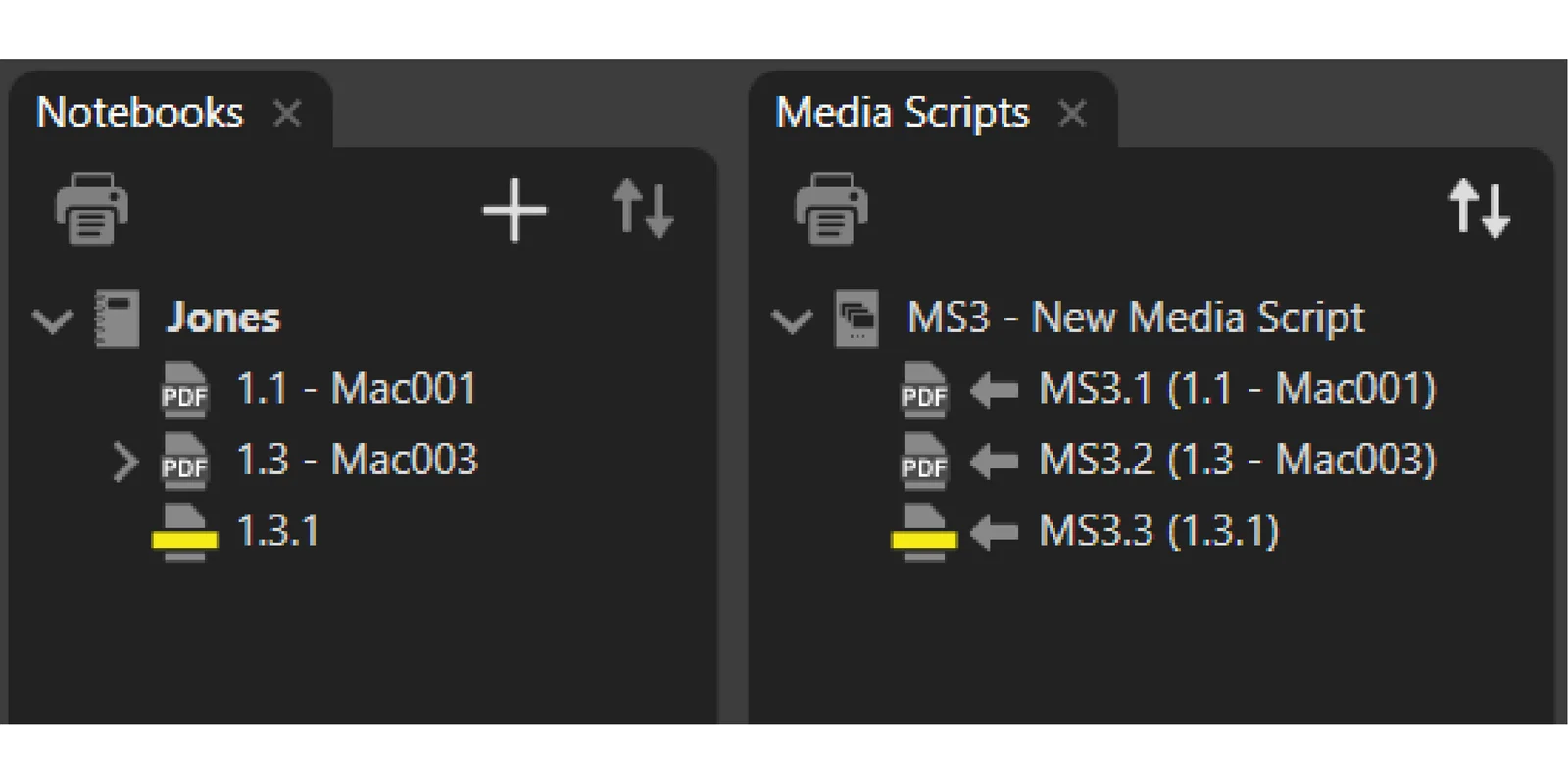
Notebooks organize items in a set order for review or printing. Items in a notebook keep their original IDs; no new IDs are assigned. Presenting from a notebook is like presenting from Documents. If you are not in On Air mode, you must select each ID and publish it (press F5 or click the Publish button) every time you change documents.
Media Scripts put items in linear order and give each a new ID (for example, MS3.1, MS3.2), so you can move through the script with the arrow keys while presenting. Media Scripts work well for openings, closings, and direct examinations.
Notice the difference:
notebook, difference, when to use, playlist
Still stuck? Email support@oncuetech.com.