



Importing Notebooks
Updated January 2, 2025
About Notebook Imports
Notebooks are a great way of organizing the material in your OnCue database. You can import Notebooks or export them to give to other OnCue users.
For more about creating Notebooks, see Building Notebooks.
How to Import Notebooks
You can import Notebooks into OnCue. OnCue can import three file types:
- Text File – *.txt
- OnCue Notebook Package – *.ocp
- OnCue Notebook XML - *.xml (from OnCue 3)
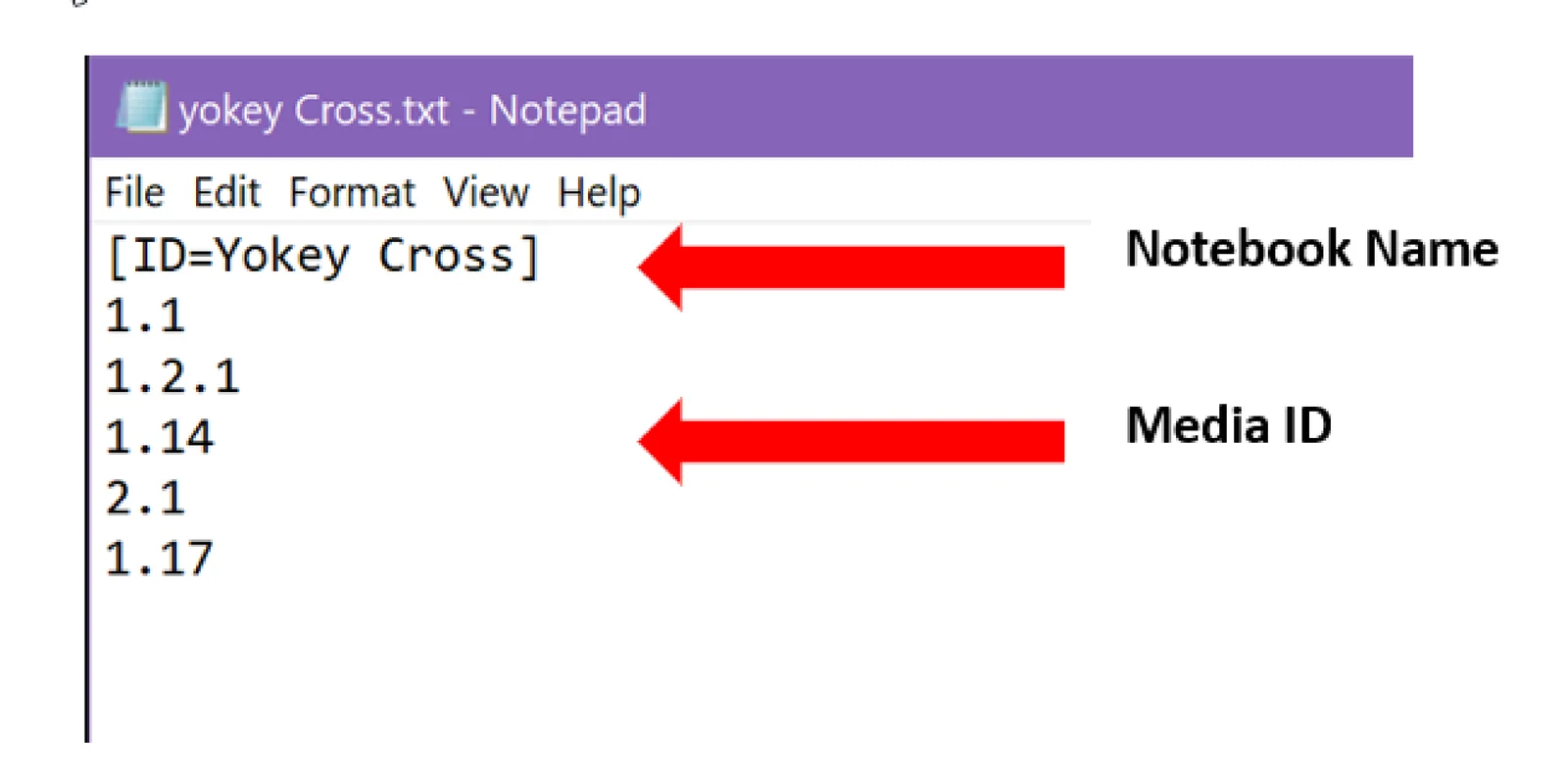
Text File – Type or paste a list of your exhibits into a text file, with the notebook name at the top of the file, as shown below. You can have multiple notebooks in a single text file. The ID tells you what the notebook is named.
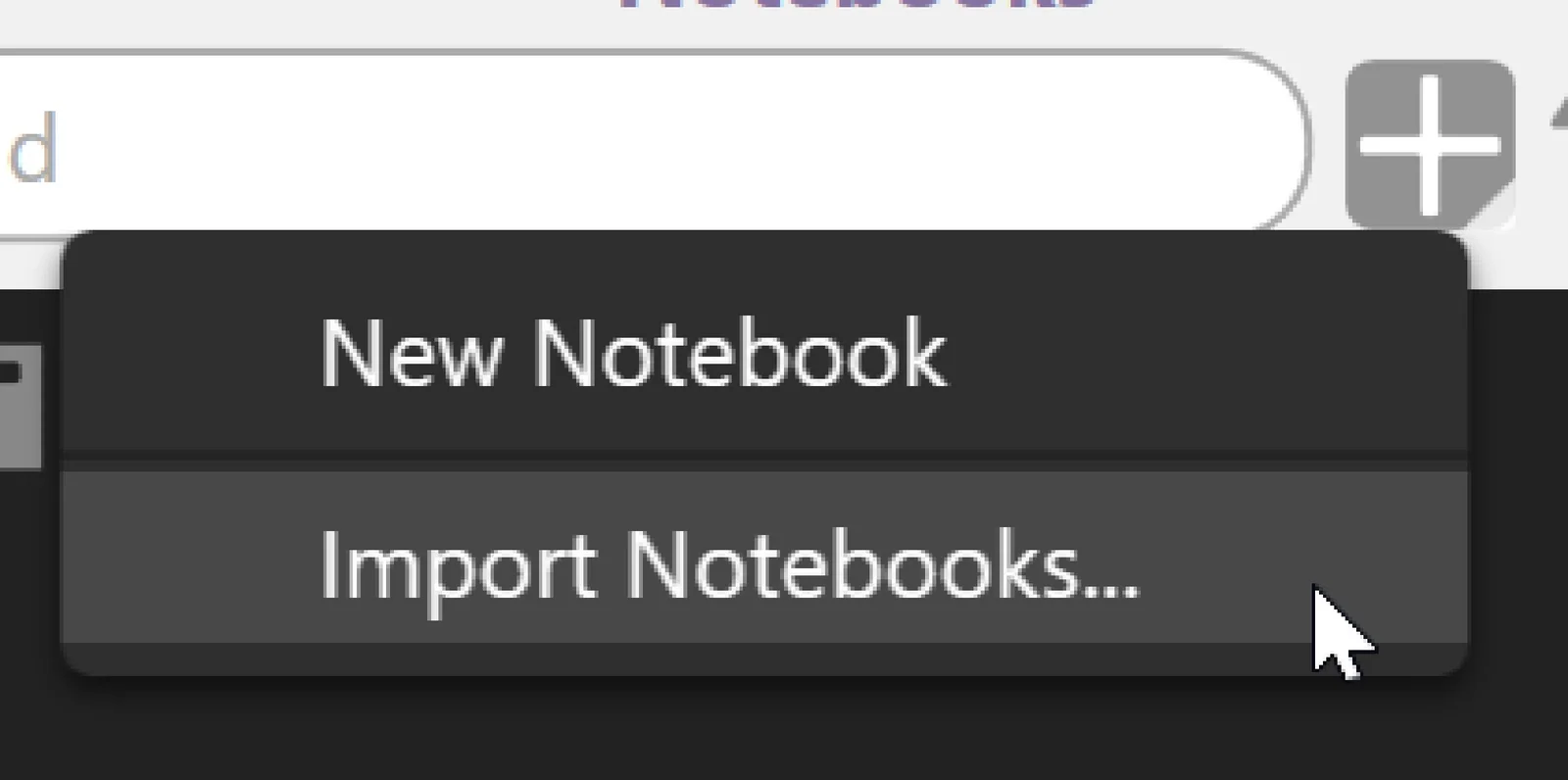
Save the text file, then import it: Click the + in the Notebooks section of the Media Bar and select “Import Notebooks” and choose your text file.
Here are the descriptions of the other files:
OnCue Notebook Package – Another OnCue user exports this file from their case. Along with the list, it can include any annotations created in the other case. To bring in those annotations, your case must contain the same documents with the same names. See Exporting Notebooks for details.
OnCue Notebook XML – These are exported from an OnCue 3 case. If you need to transfer your notebooks, this file maintains sub-notebooks.
import notebook, share notebook, another case
Still stuck? Email support@oncuetech.com.