



Welcome to OnCue
Updated November 27, 2026
Thank you for choosing OnCue. If you are a new user and checking out our support site for the first time looking to get started, we recommend the OnCue Getting Started Guide.
Then download and install OnCue from the Downloads page.
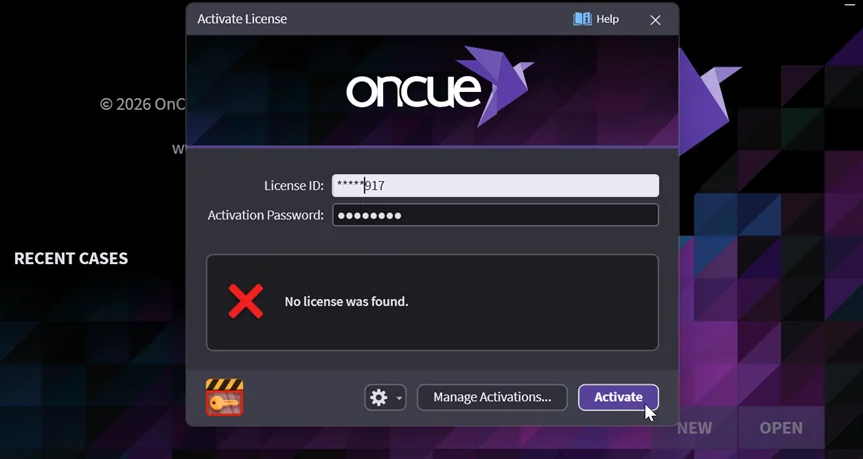
Enter your license ID and password and click Activate.
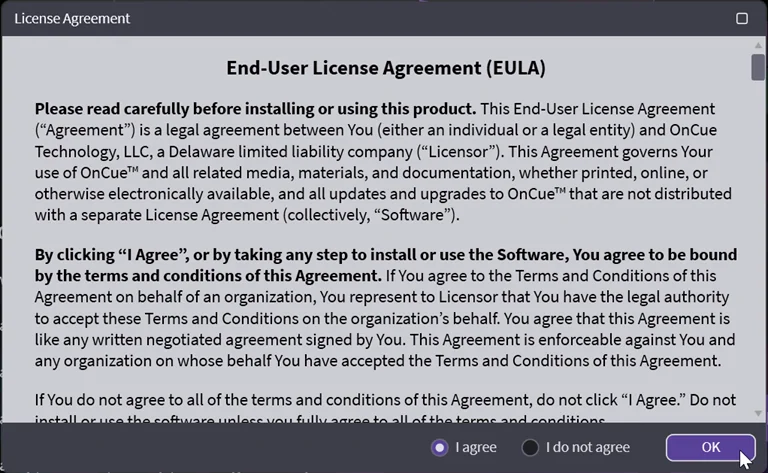
Read the End-User License Agreement, click I Agree, and then click OK.
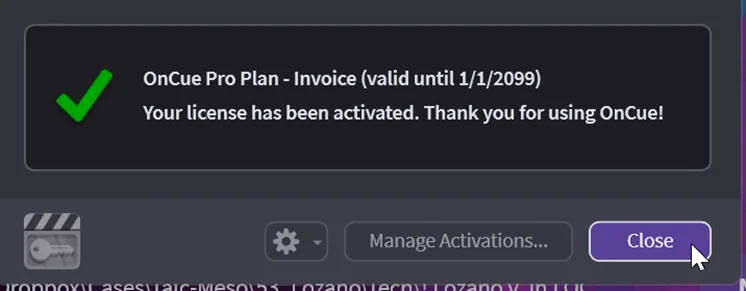
Click Close, and then click New to create your first case.

Every OnCue feature was built to solve a real problem trial teams face.
If you can’t find what you’re looking for by searching the site, send us a message. Our support team of experienced trial technicians responds remarkably quickly, understands the urgency of trial, and will get you back to more pressing matters as fast as we can.
Happy Hotseating!
getting started, new to OnCue, overview, first steps
Still stuck? Email support@oncuetech.com.