



documents/exhibit-list-exportDocumentsdocuments18exhibit list, export, Excel, Word, tab-delimited text file2025-07-27/articles/exhibit-list-export
Exhibit List Export
Updated July 27, 2025
OnCue can create a text file of your exhibit list. You can include documents, audiovisuals, transcripts, admitted exhibits only, or any combination.
OnCue creates a simple tab-delimited text file that you can open and edit in Excel or Word.
How to Export an Exhibit List
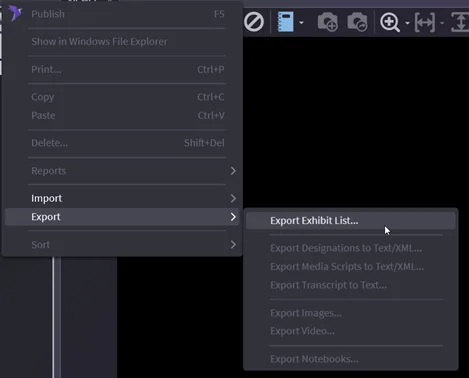
Right-click anywhere in the Documents tab and select Export > Exhibit List.
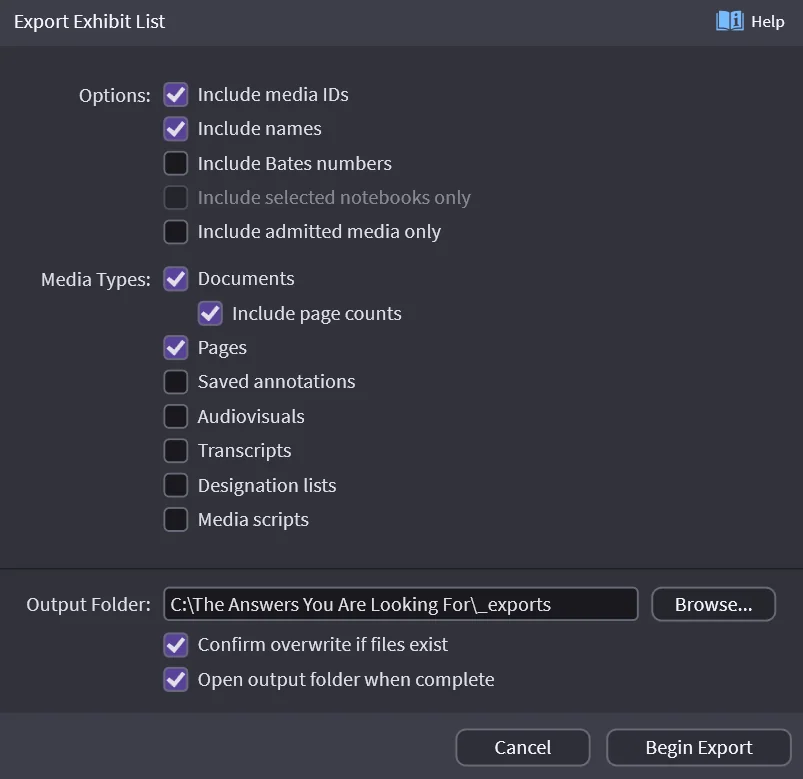
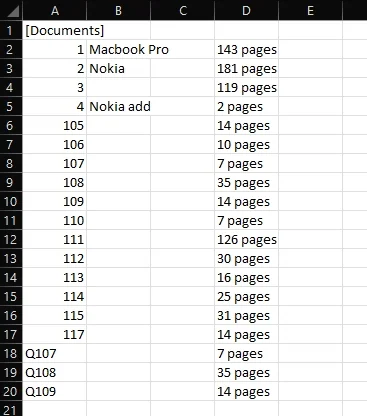
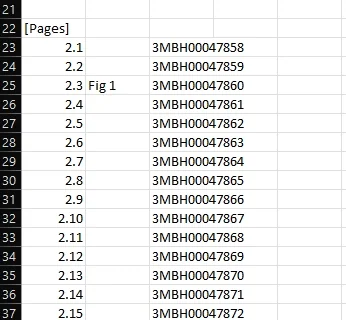
The examples below show the output for each selected option.
Documents with page counts:
Pages with Bates:
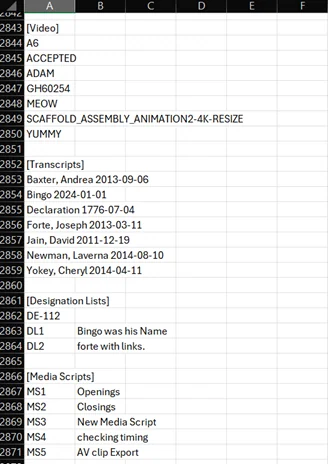
Audiovisuals (other than depositions), transcripts, designation lists, and media scripts:
Admitted media only:
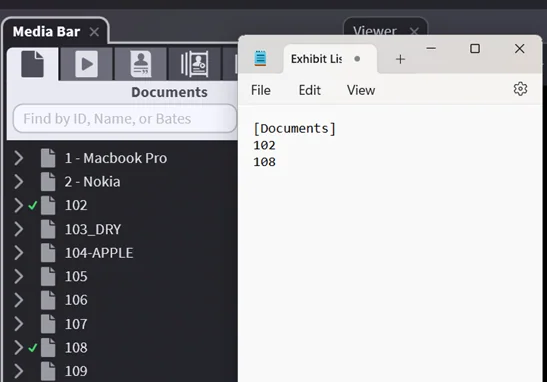
exhibit list, export, Excel, Word, tab-delimited text file
Still stuck? Email support@oncuetech.com.