



Support Troubleshooting & Advanced
Database Tools
Updated July 23, 2025
This article answers
- My database is running slowly. Is there a way to speed it up?
- I got a big error and OnCue told me to fix it, how do I do that?
- Can I back up my database?
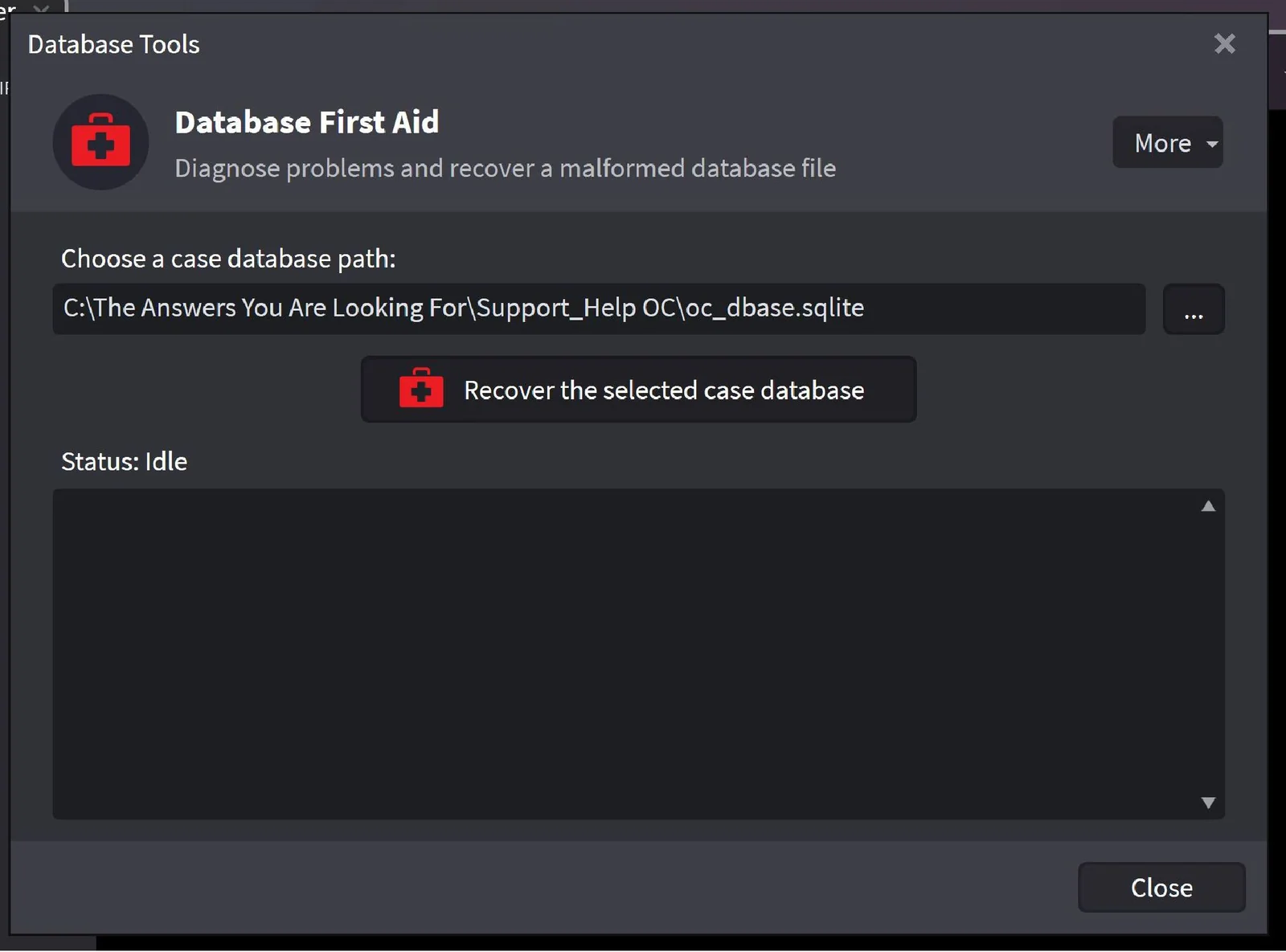
OnCue includes tools for database health and performance, available in OnCue.
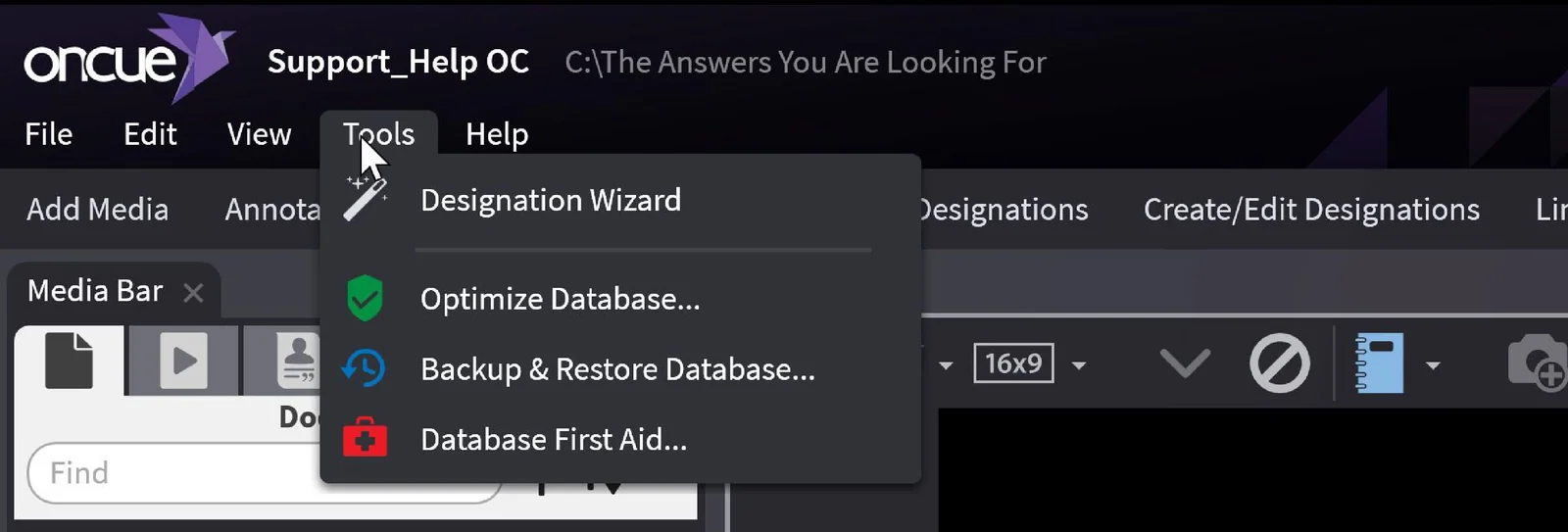
Optimize Database
If your database is running slowly, use Optimize Database to improve performance.
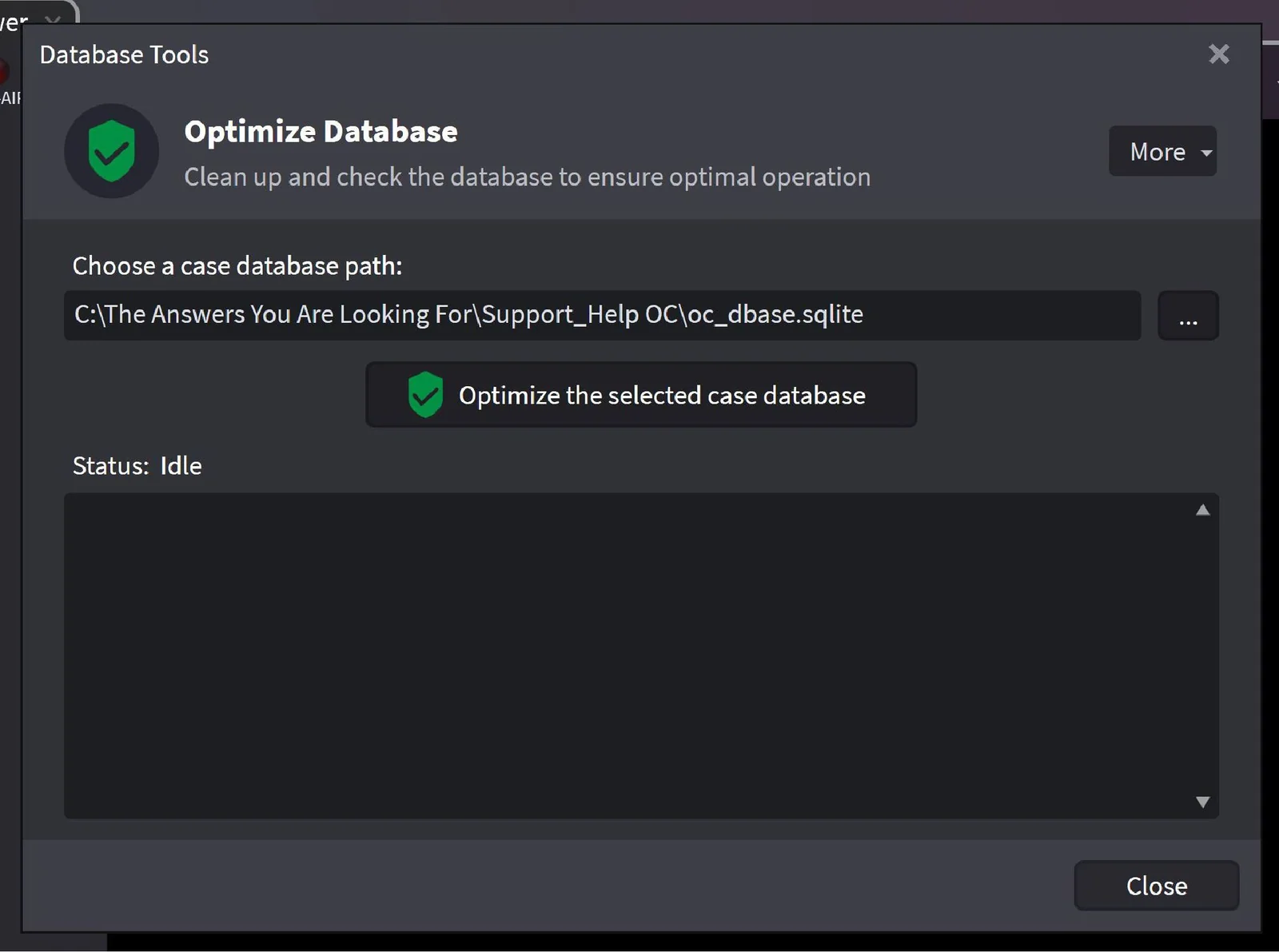
Backup & Restore
Back up at least once a day, and more often when you are working with large amounts of data or a large case. Create a backup after a significant amount of work or at the end of the day. If something goes wrong, you can restore your last saved backup.
Important: A restore affects the database only.
- Restores: deleted designations, media scripts, and notebooks.
- Does not restore: deleted transcripts, annotations, or documents and audiovisual clips deleted from both the database and disk.
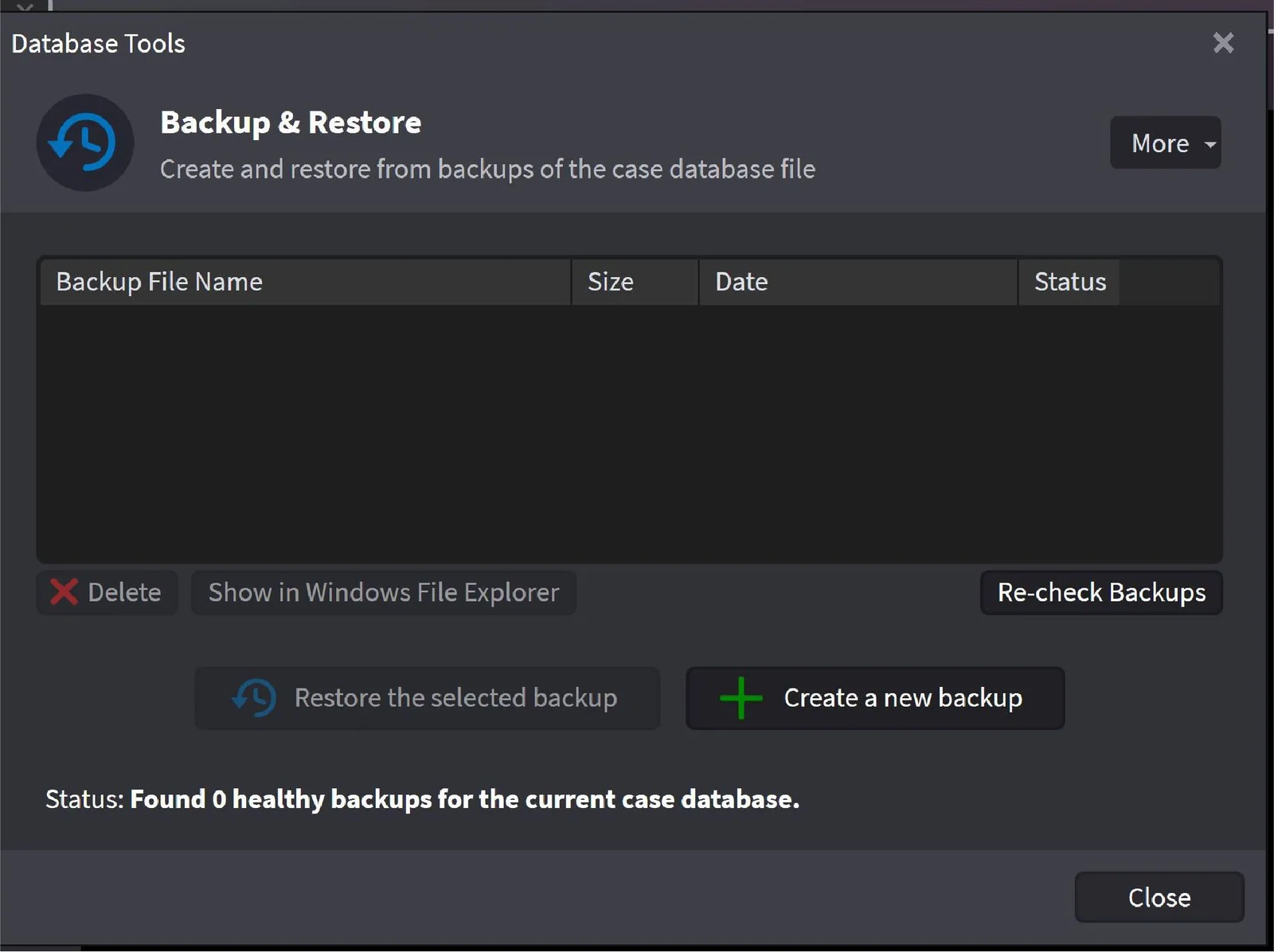
Database First Aid
Have you had an unexpected crash or are you getting multiple errors and being told to close OnCue? Run First Aid to repair database errors. Then run a backup to save the fixed database.
database tools, repair case, compact database, troubleshooting
Still stuck? Email support@oncuetech.com.